
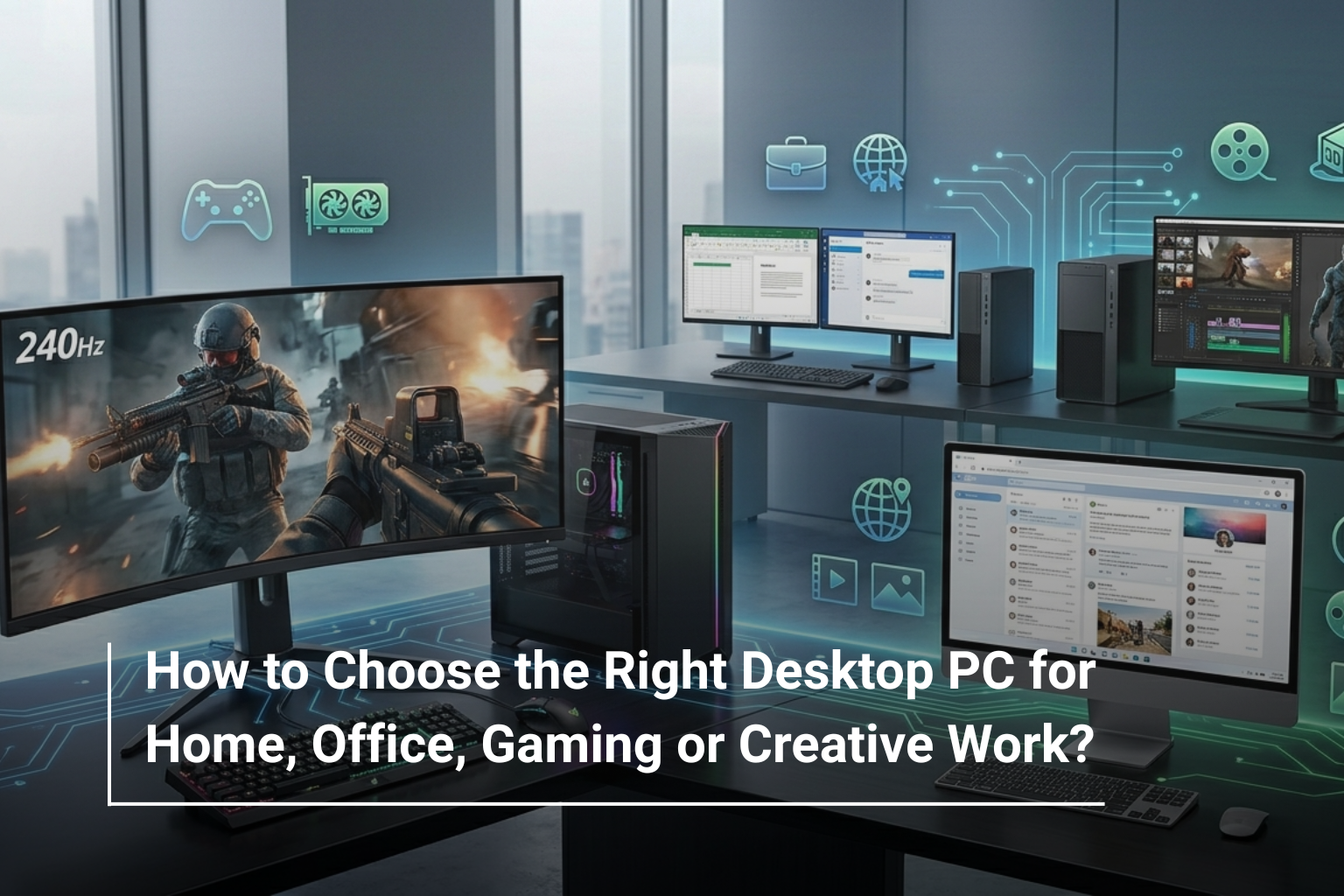
Buying a desktop PC is not simply about choosing the computer with the fastest processor or the biggest amount of RAM. The right choice depends heavily on what you actually plan to do with it. A computer used for emails and spreadsheets has very different requirements from one built for gaming, video editing, 3D work, or other demanding applications.
With so many configurations available today, understanding the important specifications can save you from spending too much on features you don’t need or buying a system that feels slow after only a year or two. If you’re comparing desktop PC prices UAE, the first step is to decide what kind of user you are and then build your specifications around that requirement.
Start With How You Will Use the Desktop
Before looking at processor names or graphics cards, think about your typical workload. Are you setting up a home computer for browsing and entertainment? Do you need a reliable machine for office applications? Or are you looking for a powerful desktop capable of running demanding games and creative software?
A simple way to narrow down your options is:
Usage | What Matters Most |
Home & Everyday Use | Balanced processor, SSD, 8–16GB RAM |
Office Work | Processor, RAM, SSD, connectivity |
Gaming | Dedicated GPU, processor, RAM, cooling |
Creative Work | CPU, dedicated GPU, RAM, fast storage |
This approach makes comparing different desktop PC prices UAE much more meaningful because you’re comparing systems based on actual performance rather than specifications alone.
Choosing a Desktop PC for Home Use
A home desktop doesn’t necessarily need extreme performance. For browsing the web, watching videos, attending online meetings, managing documents, and handling everyday applications, a balanced configuration is usually enough.
Look for a modern processor, at least 8GB of RAM, and an SSD. If several family members will use the computer or you regularly keep many applications and browser tabs open, moving to 16GB RAM is worthwhile.
Storage is another area where you shouldn’t compromise too much. A 512GB SSD gives you enough room for Windows, applications, documents, photos, and other everyday files while keeping the system responsive.
For homes where space is limited, an all-in-one computer can also make sense because the display and PC are combined into a single unit. Models such as the ASUS all-in-one desktop available at AL Lavisha Computers provide a cleaner setup without requiring a separate tower and monitor.
What to Look for in an Office Desktop
Office computers have a different priority: reliability and productivity usually matter more than raw graphics performance.
For spreadsheets, accounting software, browser-based applications, video conferencing, presentations, and document management, a strong business-oriented processor paired with sufficient RAM and SSD storage will provide a comfortable experience.
For example, the Dell OptiPlex 7010 series offers configurations with Intel Core i7 processors, DDR5 memory, and SSD storage, making this type of desktop suitable for users who need dependable performance for professional workloads.
For a typical office setup, prioritise:
- 16GB RAM for comfortable multitasking
- 512GB or 1TB SSD
- Modern Intel Core or equivalent AMD processor
- Multiple USB ports
- HDMI or DisplayPort connectivity
- Windows 11 Pro where business features are required
You don’t need a dedicated gaming graphics card for standard office work. Spending that extra money on more RAM, storage, or a better monitor may provide greater practical value.
Choosing a Desktop for Gaming
Gaming changes the equation completely. The graphics card becomes one of the most important components because it has the biggest influence on gaming performance and visual quality.
When comparing gaming desktops UAE, pay close attention to the GPU rather than judging a system solely by its processor.
A gaming PC should ideally have:
- A dedicated NVIDIA or AMD graphics card
- At least 16GB RAM
- 1TB SSD where possible
- A capable multi-core processor
- Effective cooling
- A power supply suitable for the installed hardware
For gamers who want a system that can handle demanding titles, a desktop such as the Dell OptiPlex 7010 configuration with a dedicated GT 730 graphics card can be considered for lighter graphics workloads, while more demanding gaming users should look towards purpose-built gaming systems with substantially stronger dedicated GPUs.
The important thing is to match the graphics card to the games and resolution you intend to play rather than simply choosing the most expensive GPU available.
Desktop PCs for Creative Work
Creative workloads can be much more demanding than everyday computing. Video editing, 3D modelling, animation, CAD, photography, and other professional applications can benefit from additional processing power and memory.
For creative users, the processor and graphics card should be considered together. Some applications rely heavily on CPU performance, while others benefit considerably from GPU acceleration.
A sensible creative workstation should generally include:
Component | Recommended Direction |
CPU | High-performance multi-core processor |
RAM | 32GB or more for demanding work |
Storage | 1TB+ SSD |
GPU | Dedicated graphics card |
Display | High-resolution, colour-accurate monitor |
For example, a desktop with an Intel Core i7 processor and 16GB or more RAM can provide a strong starting point for professional productivity, while creators working with large video files, complex 3D projects, or advanced visual effects may want to step up to 32GB or more memory and a stronger dedicated GPU.
RAM: How Much Do You Really Need?
RAM is one specification where spending slightly more can make a noticeable difference.
For basic home use, 8GB can still work, but 16GB is a much safer choice for a new desktop. If you’re editing video, working with large design files, running virtual machines, or using demanding professional software, 32GB or more becomes increasingly useful.
Rather than buying excessive RAM that you’ll never use, consider your workload and upgrade requirements.
SSD vs HDD: Which Should You Choose?
For a primary system drive, SSD storage should be the standard choice. An SSD allows Windows and applications to load much faster than a traditional hard drive.
A desktop with a 512GB or 1TB SSD will feel considerably more responsive during everyday use.
However, HDD storage can still be useful if you need a large amount of inexpensive space for archives, media files, backups, or documents. Some desktop configurations combine an SSD for performance with an HDD for additional capacity.
Don’t Ignore Upgrade Potential
One major advantage of a desktop PC is its upgradeability. Unlike many laptops, desktops can often be upgraded with additional RAM, storage, graphics cards, and other components.
Before buying, check whether the system has:
- Available RAM slots
- Additional storage connections
- Space for a dedicated graphics card
- Appropriate power supply capacity
- Easy access to internal components
A slightly more expandable PC can provide better long-term value than a cheaper system with limited upgrade options.
Desktop Tower or All-in-One?
Your workspace can also influence the type of desktop you should buy.
A traditional tower gives you greater flexibility for upgrades and generally offers better cooling. An all-in-one, on the other hand, keeps the setup clean and compact because the computer components are built into the display.
An AIO can be particularly attractive for home offices, reception desks, study areas, and other environments where space and appearance matter.
Don’t Forget the Monitor and Accessories
A desktop PC is only one part of your setup. You’ll also need to consider your monitor, keyboard, mouse, speakers, webcam, and other accessories.
For office work, a comfortable Full HD or higher resolution monitor can make long working sessions easier. Gamers may prefer high refresh rate displays, while designers and video editors should look for colour accuracy and higher resolutions.
This is also why comparing the complete setup not just the tower is important when looking at desktop PC prices UAE.
Final Thoughts
Choosing the right desktop PC becomes much easier when you start with your actual requirements. Home users generally need a balanced system, office users should focus on reliability and multitasking, gamers need strong dedicated graphics, and creative professionals benefit from powerful CPUs, GPUs, plenty of RAM, and fast storage.
Instead of simply searching for the highest specifications, think about what you need your desktop to accomplish today and what you may need it to handle in the future. That approach will help you find a system that offers genuine value for your budget.
Find Your Desktop Setup at AL Lavisha Computers
Whether you’re upgrading a home workspace, equipping an office, building a gaming station, or looking for a machine capable of handling demanding creative applications, AL Lavisha Computers brings together desktop solutions from established brands such as Dell, Lenovo, and ASUS. With different configurations available across performance levels, you can compare the specifications that matter to your workload and choose a setup that fits both your requirements and budget.