

For designers and content creators, a laptop is more than just a device for browsing, emails, or documents. It is the workspace where ideas turn into illustrations, videos, animations, photographs, and finished projects. That is why choosing the right combination of processing power, graphics performance, display quality, and storage matters so much.
This is where ASUS ProArt laptops stand out. The ProArt range is designed with creative professionals in mind, combining powerful hardware with high-quality displays and features that make demanding creative workflows more comfortable. If you’re comparing ASUS laptops UAE for graphic design, video editing, photography, 3D work, or content creation, ProArt deserves a closer look.
What Makes ASUS ProArt Laptops Different?
Many laptops can run creative software, but that does not necessarily mean they are designed around a creator’s needs. ProArt laptops focus specifically on workloads where colour accuracy, processing power, graphics performance, and multitasking are important.
A typical creative workflow might involve editing high-resolution photographs while keeping reference images, browser tabs, cloud storage, and communication tools open. For video editors, the workload can be even heavier, with large footage files, timelines, effects, colour grading, and rendering all happening on the same machine.
ProArt laptops are built to handle these kinds of workloads without making the laptop feel like an ordinary office machine that happens to have powerful specifications.
A Powerful Processor for Creative Work
The CPU plays an important role when you’re working with applications such as Adobe Photoshop, Premiere Pro, After Effects, Blender, and other professional software.
Depending on the model, ASUS ProArt systems can feature high-performance Intel processors designed to handle demanding multitasking and creative applications.
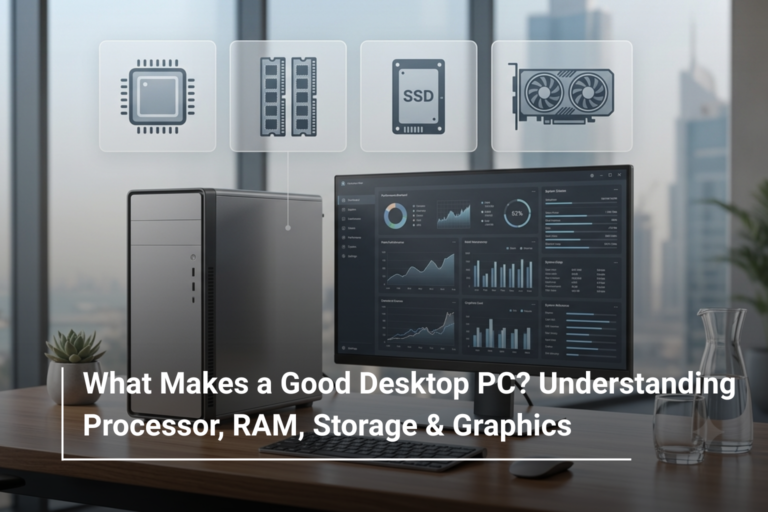
For example, the ASUS ProArt P16 available at AL Lavisha Computers combines a high-performance processor with 32GB RAM, 1TB SSD storage, and dedicated NVIDIA graphics, creating a configuration suited to demanding creative workflows.
For creators, a powerful CPU is particularly useful when:
- Exporting and rendering projects
- Working with large files
- Running several creative applications simultaneously
- Processing high-resolution photographs
- Editing complex video timelines
The important thing is not simply choosing the processor with the biggest number. Your software and workload should determine how much processing power you actually need.
Dedicated Graphics for Editing, 3D and More
For many creative professionals, the GPU is just as important as the processor.
A dedicated graphics card can accelerate tasks such as video effects, 3D rendering, animation, AI-assisted workflows, and GPU-accelerated editing.
This makes a creator-focused laptop much more versatile than a standard productivity notebook.
For instance, the ProArt P16 configuration available at AL Lavisha Computers includes an NVIDIA GeForce RTX 5090 with 24GB graphics memory. That’s far beyond what an everyday office user needs, but it can make sense for professionals working with demanding 3D, video, AI, or other GPU-intensive applications.
Display Quality Is Crucial for Designers
If you’re a graphic designer, photographer, illustrator, or video editor, the display isn’t simply something you look at—it is one of your primary creative tools.
A good creator laptop should offer:
- High resolution
- Accurate colours
- Strong contrast
- Wide viewing angles
- Consistent image quality
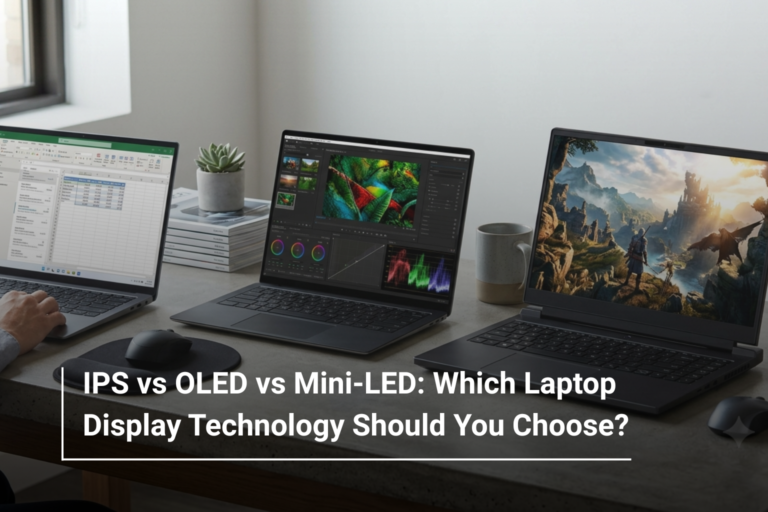
OLED displays can be particularly attractive for creative professionals because they can deliver deep blacks, strong contrast, and vibrant visuals.
The ProArt P16 configuration listed by AL Lavisha Computers features a 16-inch 4K OLED display, making it particularly relevant for users who need a detailed and visually rich workspace.
How Much RAM Does a Creator Need?
Creative software can consume a surprising amount of memory. Photoshop files can become large, video projects can contain multiple layers and effects, and 3D applications can become demanding very quickly.
For most creative professionals, 16GB is a reasonable starting point, while 32GB provides considerably more breathing room.
|
Type of User |
Suggested RAM |
|
Light design work |
16GB |
|
Graphic designers |
16GB–32GB |
|
Video editors |
32GB |
|
3D & advanced creative work |
32GB or more |
The advantage of choosing 32GB is that you can work on larger projects while keeping other applications open without constantly worrying about memory limitations.
Fast SSD Storage Makes a Difference
Creative professionals deal with large files every day. RAW photographs, 4K videos, project files, animations, and exported content can quickly consume storage.
A fast SSD helps with:
- Opening large projects
- Loading applications
- Moving project files
- Starting the operating system
- Accessing large media libraries
For professional users, 1TB is a practical starting point. If your projects involve large video libraries or extensive creative assets, 2TB or more can be worth considering.
The ASUS ProArt P16 configuration available through AL Lavisha Computers comes with a 1TB SSD, providing a useful combination of speed and everyday storage capacity.
Who Should Consider an ASUS ProArt Laptop?
ProArt isn’t necessarily aimed at someone who only needs a laptop for browsing and basic office work. Its strengths become more apparent when your workload involves creative applications.
Graphic Designers
Designers working in Photoshop, Illustrator, InDesign, or similar applications can benefit from a high-resolution, colour-focused display and strong multitasking performance.
Video Editors
Video editors working with high-resolution footage need capable CPUs, dedicated graphics, sufficient RAM, and fast storage. A powerful ProArt configuration can bring these components together in a portable format.
Photographers
Photographers benefit from detailed displays, accurate colours, fast storage, and enough memory to handle large image libraries and editing applications.
3D Artists and Animators
3D modelling, animation, rendering, and simulation can put considerable pressure on both the CPU and GPU. A high-end ProArt configuration is better suited to these workloads than a typical thin-and-light productivity laptop.
ProArt vs a Regular Laptop: What Should You Choose?
The right choice depends on what you actually do.
|
Requirement |
Regular Laptop |
Creator-Focused Laptop |
|
Web browsing |
Excellent |
Excellent |
|
Office work |
Excellent |
Excellent |
|
Graphic design |
Depends on configuration |
Better suited |
|
Video editing |
Depends on configuration |
Stronger choice |
|
3D rendering |
Limited on basic models |
Better suited |
|
Colour-sensitive work |
Varies |
Major priority |
|
GPU-intensive workloads |
Limited on integrated graphics |
Dedicated GPU options |
If you’re mainly working with Word, spreadsheets, emails, and web applications, you probably don’t need a high-end ProArt system. But if creative work is your profession, paying more for the right hardware can save time and frustration later.
Portability Without Giving Up Performance
One of the biggest advantages of a creator laptop is having professional-level capabilities without being tied to a desktop workstation.
A laptop such as the ProArt P16 can be useful for creators who move between home, office, studio, client meetings, and travel. Instead of depending entirely on a desktop setup, you can take your main creative workstation with you.
That flexibility can be especially valuable for freelancers and professionals who work from different locations.
Is ASUS ProArt Worth Considering in 2026?
For creators, the answer largely depends on the workload. If your daily work involves professional design, video editing, photography, 3D applications, or other demanding software, specifications such as a high-quality display, powerful processor, dedicated GPU, sufficient RAM, and fast SSD storage should be high on your checklist.
The ProArt range brings these priorities together in a way that makes sense for creative users rather than simply maximising specifications for the sake of numbers.
Find the Right Creator Laptop at AL Lavisha Computers
The right creative laptop should complement the way you work, not force you to compromise between performance and portability. AL Lavisha Computers offers a selection of ASUS laptops UAE, including creator-focused configurations alongside gaming, business, and everyday models. Whether you’re editing your next video, building a design portfolio, working with photography, or exploring 3D and AI workflows, you can compare configurations based on the processor, RAM, storage, display, and graphics performance that your work actually requires.