
Modern laptops are powerful, flexible, and built for speed. But over time, even the best machines can start to feel slow, heat up, or behave strangely. The good news is that many of the most common laptop issues aren’t serious. They can often be fixed at home with a few simple checks and smarter usage habits.
1. Laptop Running Very Slow
A slow laptop is usually overloaded with background apps, startup programs, or unnecessary files.
Quick fixes:
- Restart the laptop and close unused apps and browser tabs
- Open Task Manager → Startup tab and disable unnecessary startup programs
- Run Disk Cleanup and uninstall unused software
- If you’re still on a hard drive, consider switching to an SSD for faster performance
What this really means is simple: your laptop isn’t broken. It’s just overloaded.
2. Overheating and Loud Fan Noise
If your laptop feels too hot or sounds like a mini jet engine, it needs better airflow.
Quick fixes:
- Place the laptop on a flat, hard surface (not a bed or pillow)
- Clean the air vents using compressed air
- Reduce heavy usage like gaming or video editing
- Use a cooling pad for better ventilation
If overheating continues, the internal fan or thermal paste may need professional attention.
3. Battery Draining Too Fast
A weak or fast-draining battery doesn’t always mean it’s damaged.
Quick fixes:
- Reduce screen brightness and turn off keyboard backlight
- Switch to Power Saver mode
- Close background apps
- Avoid keeping the laptop plugged in at 100% for long periods
If your battery is old or swollen, replacement is the safest choice.
4. Wi-Fi Not Connecting or Dropping
This is one of the most common – and most annoying – laptop issues.
Quick fixes:
- Restart the router and the laptop
- Turn Airplane Mode on and off
- “Forget” the Wi-Fi network and reconnect
- Update the Wi-Fi driver
If other devices connect just fine, the problem is usually limited to the laptop’s network settings.
5. Laptop Not Turning On
Before assuming the worst, check the basics.
Quick fixes:
- Test the charger and power socket
- Try a different adapter if available
- For removable batteries, remove it and hold the power button for 15 seconds
- Look for LED or beep signals and check your brand’s guide
Often, it’s just a power issue not a dead laptop.
6. Black or Blank Screen
A blank screen does not always mean total failure.
Quick fixes:
- Increase brightness manually
- Connect to an external monitor
- Force shutdown and restart in Safe Mode
If you hear fan noise or startup sounds, that’s a good sign — the issue may be with the screen or cable.
7. Keyboard Not Working Properly
Sticky or unresponsive keys can slow you down.
Quick fixes:
- Clean the keyboard gently
- Restart the laptop
- Update or reinstall the keyboard driver
- Use an external keyboard while testing
If there’s liquid damage or major failure, the keyboard may need replacement.
8. Screen Flickering or Display Lines
This is usually linked to drivers or loose internal cables.
Quick fixes:
- Update graphics drivers
- Adjust display settings
- Gently change the screen angle – if it flickers, the cable may be loose
Software fixes first, hardware checks second.
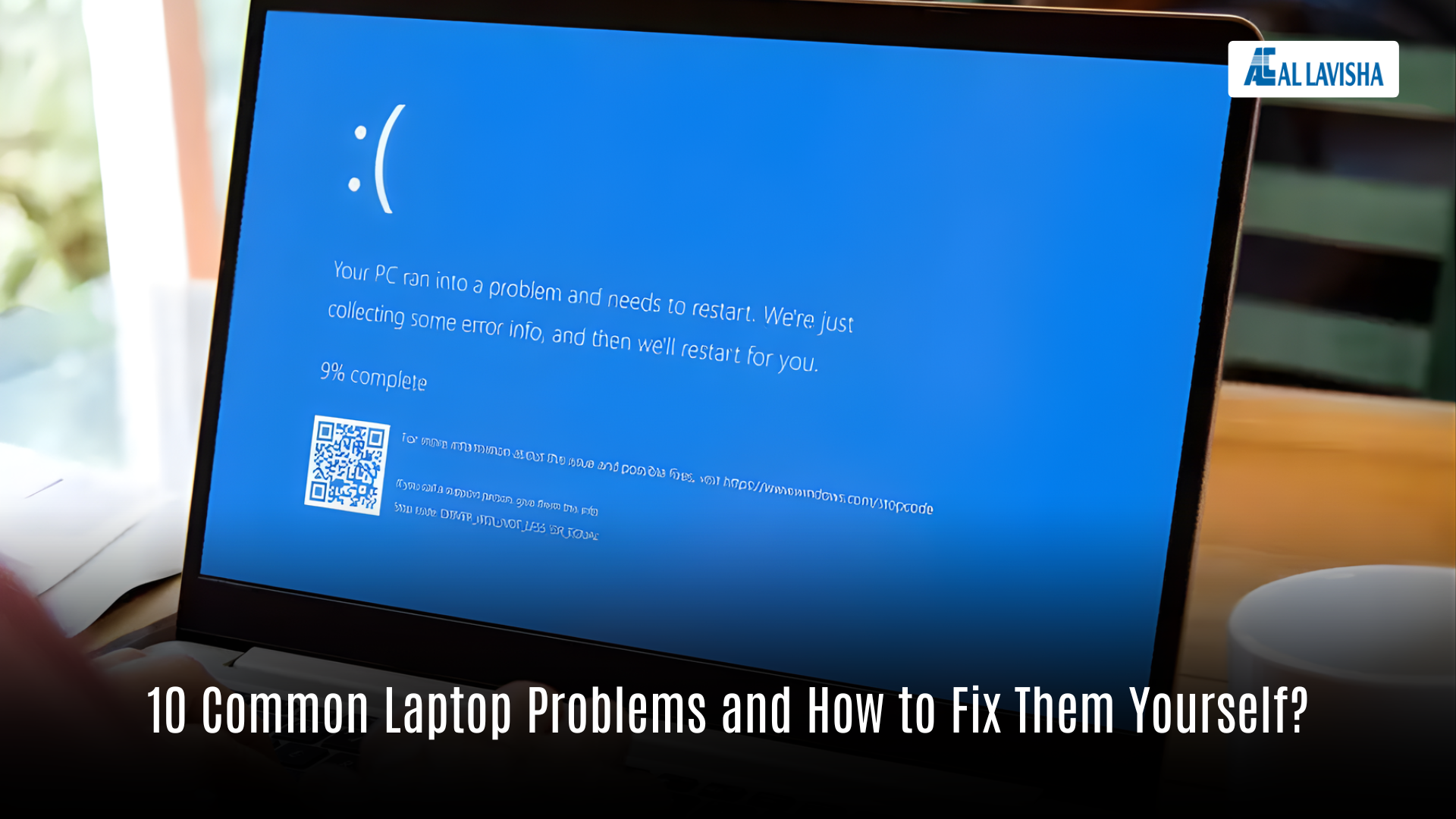
9. Freezing, Crashes, or Blue Screen
These happen when the system is overloaded or there’s faulty software/hardware.
Quick fixes:
- Update your system and drivers
- Run a virus and malware scan
- Remove unwanted programs
- Make sure there is enough free storage space
Repeated blue screens might signal a failing hard drive or RAM.
10. “Disk Almost Full” Warning
Low storage leads to slow performance and system errors.
Quick fixes:
- Run Disk Cleanup or Storage Sense
- Delete unused files and apps
- Move photos/videos to external drive or cloud storage
- Choose a larger storage option on your next upgrade
Free space = smoother performance.
Get the Right Laptop for Your Needs – Al Lavisha Computer Trading LLC, Dubai
If your current laptop keeps giving you problems, sometimes the smartest fix is a better machine.
Al Lavisha Computer Trading LLC (Dubai, UAE) is a trusted Retailer, Wholesaler, and Exporter of the latest laptops, computers, and accessories from the world’s top brands including Apple, HP, Dell, Asus, Microsoft, Lenovo, Acer, MSI, Canon, and more.
Whether you’re a student, a professional, or a business owner, you’ll find reliable technology that matches your performance needs and your budget.
Address:
Shop #5, Murad Building, Al Esbij Street,
Near Sindh Punjab Restaurant, Bur Dubai
P.O. Box 241239 – Dubai – United Arab Emirates
Email: sales@allavishacomputers.com
Landline: +971 4 352 4004
Looking to upgrade your tech without the guesswork? Start with Al Lavisha. The right device can change how you work, study, and create every single day.