
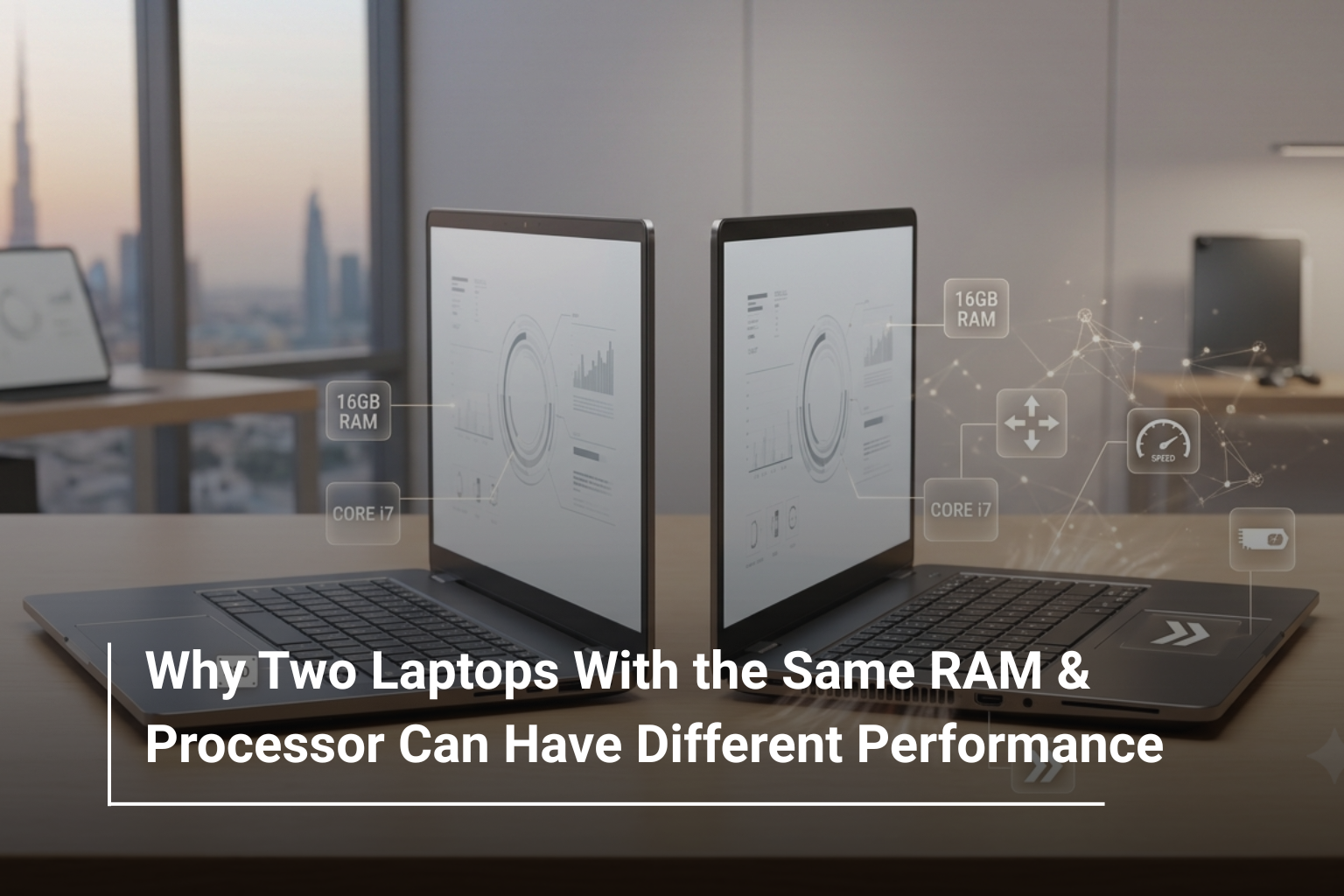
It is easy to assume that two laptops with the same processor and RAM should perform almost identically. After all, if both machines have an Intel Core i7 processor and 16GB RAM, what could possibly make one faster than the other?
Quite a lot, actually.
A laptop is more than its processor and memory. Cooling, power limits, storage speed, graphics, display configuration, battery settings, and even the laptop’s internal design can all influence real-world performance. This is why simply comparing two specification sheets can sometimes give you an incomplete picture.
If you’re looking through branded laptops UAE and notice two models with seemingly identical core specifications but different prices, don’t immediately assume the more expensive one is overpriced. There may be important differences hiding beyond the headline specifications.
Processor Model Is Only Part of the Story
Seeing “Core i7” or “Ryzen 7” on a product page doesn’t tell you everything about the processor.
Different processors within the same family can have different:
- Number of cores and threads
- Base and boost clock speeds
- Power requirements
- Cache
- Integrated graphics
- Generation and architecture
For example, an efficient processor designed for thin-and-light laptops will behave differently from a high-performance processor designed for gaming or workstation systems, even if both carry a similar family name.
The same applies to AMD Ryzen processors. A Ryzen 5 designed for an ultraportable laptop isn’t necessarily comparable to another Ryzen 5 built for a performance-focused machine.
Tip: Always check the complete processor model rather than comparing only “Core i7”, “Core Ultra 7”, or “Ryzen 7”.
Cooling Can Make a Huge Difference
One of the biggest reasons two laptops with similar specifications can perform differently is cooling.
Processors and graphics cards generate heat when working hard. If a laptop has an efficient cooling system, it can maintain higher performance for longer periods. If cooling is limited, the system may reduce its performance to control temperatures. This is commonly known as thermal throttling.
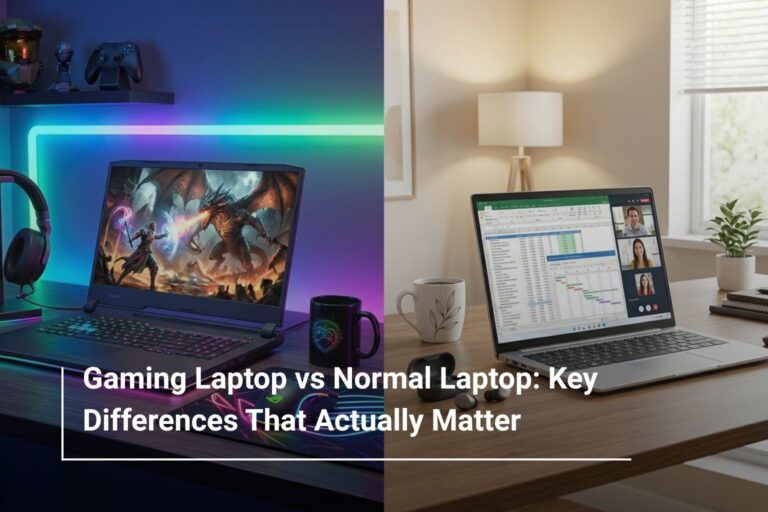
Gaming laptops tend to have larger cooling systems because they are designed to handle sustained workloads.
For example, performance-oriented models such as the Lenovo Legion gaming laptops combine powerful processors and dedicated graphics with cooling systems designed for demanding workloads.
This is one reason you shouldn’t judge a laptop purely by its CPU and RAM configuration.
Power Limits Affect Processor Performance
Two laptops can use the same processor but give it different amounts of power.
Laptop manufacturers configure processors according to the machine’s size, cooling capacity, battery design, and intended usage. A larger performance laptop may allow the processor to sustain higher power levels, while a thin-and-light laptop may prioritise efficiency and battery life.
That means the same CPU model can deliver different performance depending on the laptop it is installed in.
This difference becomes particularly noticeable during demanding tasks such as:
- Video rendering
- Gaming
- 3D modelling
- Large software projects
- Heavy multitasking
For everyday browsing and office work, the difference may be much less noticeable.
RAM Capacity Isn’t Everything
RAM is important, but capacity isn’t the only factor.
Two laptops may both have 16GB of RAM while using different memory configurations and speeds. Memory bandwidth, generation, and whether the RAM operates in a more efficient configuration can affect performance.
For most buyers, however, the bigger consideration is having enough RAM for the workload.
Usage | Suitable RAM |
Browsing & basic tasks | 8GB |
Office & study | 16GB |
Gaming & content creation | 16GB–32GB |
Professional workloads | 32GB+ |
If you’re comparing laptop deals UAE, don’t automatically choose the model with the largest RAM number. Consider the complete configuration and what you actually need.
SSD Speed Can Change How Fast a Laptop Feels
Storage is another specification that can easily be overlooked.
Two laptops may both advertise a 1TB SSD, but that doesn’t necessarily mean they offer identical storage performance. SSD technology, interface, controller, and configuration can influence read and write speeds.
A faster SSD can make everyday activities feel more responsive, including:
- Starting Windows
- Opening large applications
- Loading projects
- Moving large files
- Launching games
For everyday users, the difference may not always be dramatic. But for professionals working with large files, video footage, software projects, or games, faster storage can become much more noticeable.
Dedicated Graphics Can Completely Change Performance
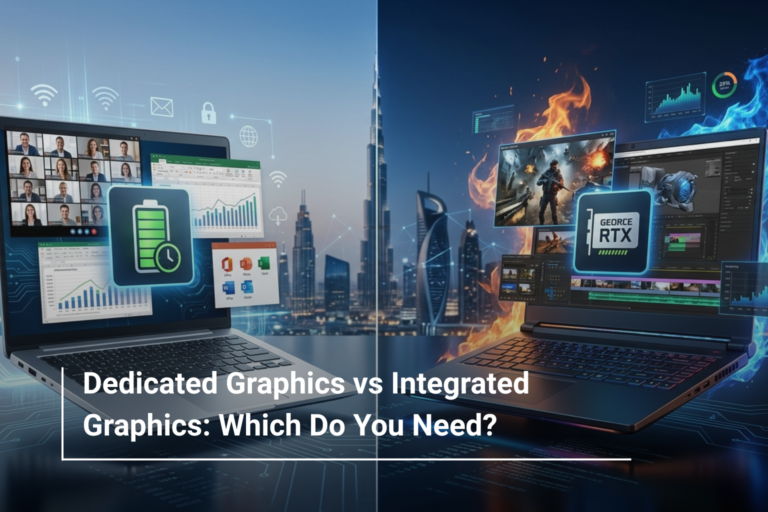
A laptop with integrated graphics and another with a dedicated GPU can have very different capabilities even when their processor and RAM are identical.
Integrated graphics share system resources, while dedicated GPUs have their own graphics memory and processing hardware.
This matters considerably for gaming and creative applications.
For example, a laptop equipped with an NVIDIA RTX GPU can provide substantially better performance in supported games and GPU-intensive applications than a similar system relying only on integrated graphics.
That’s why buyers searching for gaming laptops UAE should compare the GPU carefully stead of focusing only on the CPU and RAM.
Display Specifications Can Reveal the Laptop’s Purpose
The screen doesn’t directly make your processor faster, but it can tell you a lot about the laptop’s intended use.
A 60Hz Full HD display may be perfectly suitable for office work, study, and general productivity. A gaming-focused laptop may instead feature a 144Hz, 165Hz, or 240Hz panel designed for smoother motion.
For example, the Acer Nitro gaming laptops available in different configurations demonstrate how performance-oriented laptops can combine powerful processors, dedicated graphics, and high-refresh-rate displays.
So when comparing two laptops, don’t look at the CPU and RAM alone. The display can help explain differences in price and design.
Battery and Performance Modes Matter Too
Modern laptops often provide different power modes, such as balanced, battery-saving, or performance modes.
When running on battery, a laptop may reduce performance to extend battery life. When connected to its charger and switched to a performance mode, it may allow the CPU and GPU to operate at higher power levels.
As a result, the same laptop can feel different depending on how and where you’re using it.
This is particularly important for gaming laptops, where maximum performance generally requires the system to be connected to power.
Build Quality and Internal Design Matter
A laptop’s internal layout also affects performance.
Manufacturers have to balance:
- Cooling
- Battery capacity
- Weight
- Fan noise
- Component placement
- Upgradeability
- Port selection
A larger chassis can provide more room for cooling and higher-powered components. A thin laptop may sacrifice some sustained performance in exchange for portability.
Neither approach is necessarily better. It depends on what you value.
Why Price Differences Can Be Justified
When browsing laptop deals UAE, you may find two laptops with 16GB RAM and similar processors at noticeably different prices.
Before choosing the cheaper model, compare these areas:
Specification | What to Check |
CPU | Exact model, generation and power class |
RAM | Capacity, speed and configuration |
Storage | SSD type and capacity |
GPU | Integrated or dedicated graphics |
Display | Resolution, panel type and refresh rate |
Cooling | Chassis and thermal design |
Battery | Capacity and expected runtime |
Connectivity | USB-C, HDMI, Wi-Fi and other ports |
The more expensive model may offer a better display, faster SSD, stronger GPU, improved cooling, higher-quality construction, or a more capable power configuration.
The Bottom Line: Look Beyond the Specification Sheet
A laptop’s performance is the result of several components working together. Processor and RAM are important, but they don’t tell the complete story.
When comparing laptops, pay attention to the entire configuration rather than two headline numbers. A well-balanced system with good cooling, suitable power delivery, fast storage, and an appropriate GPU can provide a much better experience than a laptop with impressive-looking specifications but a weaker overall design.
Whether you’re buying a laptop for work, study, gaming, or creative projects, understanding these differences will help you make a more informed decision.
Explore Laptop Options at AL Lavisha Computers
At AL Lavisha Computers, shoppers can compare laptops from leading brands including Acer, ASUS, Dell, HP, Lenovo, and MSI across different performance levels and budgets. Instead of choosing a machine based on one specification, you can explore complete configurations suited to everyday computing, professional work, gaming, and demanding creative applications. With a broad range of models and configurations available, AL Lavisha Computers makes it easier to find a laptop where the components work together not just one that looks impressive on paper.