
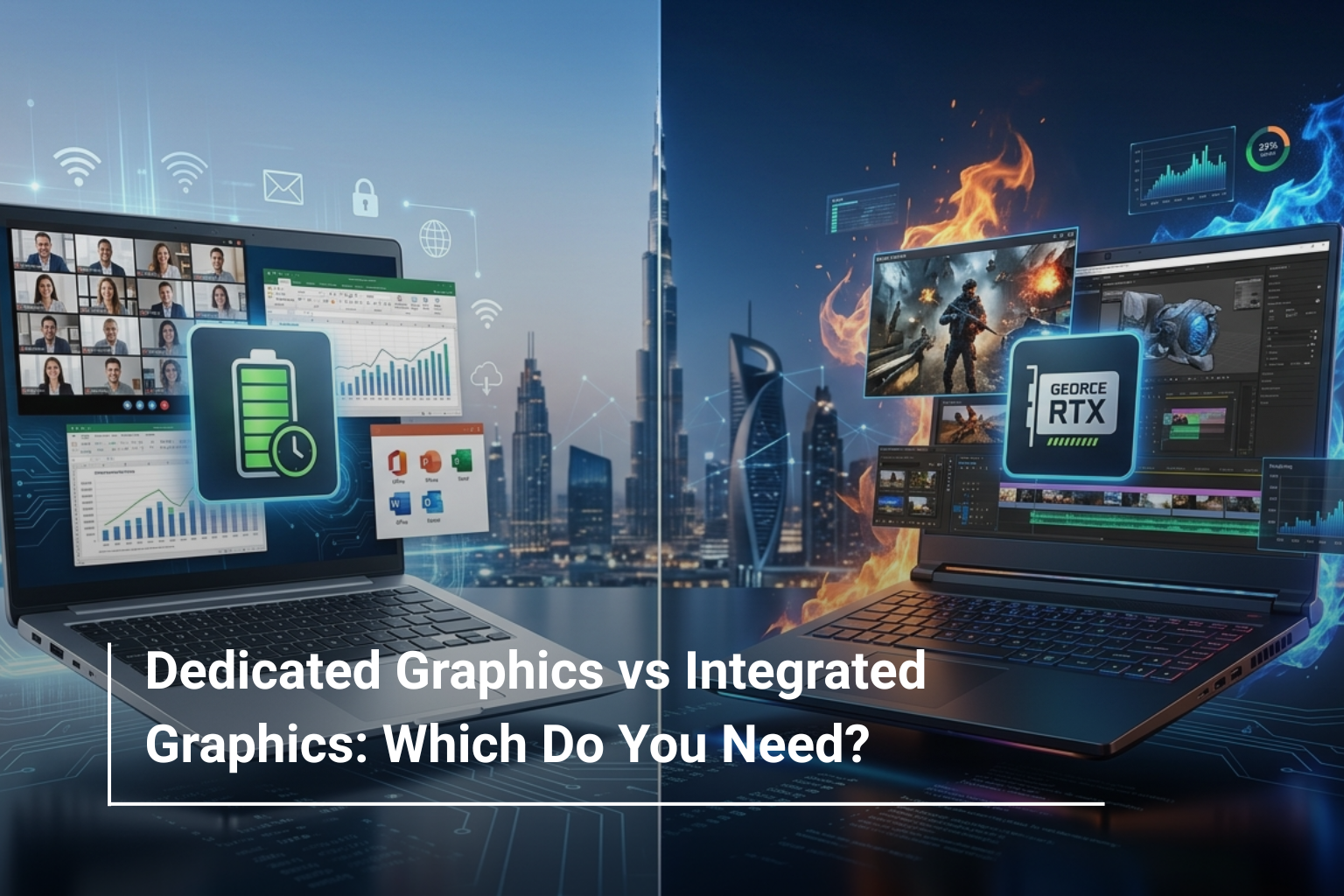
Choosing a laptop today involves more than selecting a processor, RAM, or storage capacity. One of the most important decisions buyers face is whether they need dedicated graphics or integrated graphics. The answer can significantly impact your laptop’s performance, battery life, price, and overall user experience.
If you’re comparing Dell laptops UAE, MSI laptops UAE, or other leading laptop brands, understanding the difference between these two graphics solutions can help you avoid overspending or purchasing a laptop that doesn’t meet your requirements.
In this guide, we’ll break down what dedicated and integrated graphics are, how they differ, and which option makes the most sense for your specific needs.
What Is Integrated Graphics?
Integrated graphics are built directly into the processor. Instead of having a separate graphics card, the laptop shares system memory (RAM) to handle visual tasks.
Most modern Intel Core Ultra and AMD Ryzen processors include highly capable integrated graphics that are suitable for everyday computing.
Integrated Graphics Are Ideal For:
- Web browsing
- Office applications
- Online meetings
- Streaming videos
- Academic work
- Basic photo editing
For students, office users, and remote workers, integrated graphics often provide all the performance needed while offering better battery efficiency.
What Is Dedicated Graphics?
Dedicated graphics, also known as discrete graphics, use a separate graphics processing unit (GPU) with its own memory. This allows the GPU to handle demanding visual tasks independently without relying on system RAM.
Dedicated graphics are commonly found in gaming laptops, creator laptops, and high-performance workstations.
Popular dedicated GPUs include:
- NVIDIA GeForce RTX 4050
- NVIDIA GeForce RTX 4060
- NVIDIA GeForce RTX 5060
- NVIDIA GeForce RTX 5070
- NVIDIA GeForce RTX 5080
Many high-performance MSI laptops UAE feature dedicated NVIDIA RTX graphics designed for gaming, content creation, and professional workloads.
Dedicated Graphics vs Integrated Graphics: Key Differences
Feature | Integrated Graphics | Dedicated Graphics |
Performance | Good for everyday tasks | Excellent for demanding workloads |
Gaming Capability | Casual gaming only | Modern AAA gaming |
Video Editing | Basic editing | Professional editing |
Power Consumption | Lower | Higher |
Battery Life | Longer | Shorter |
Price | More affordable | More expensive |
Heat Generation | Less heat | Generates more heat |
While dedicated graphics offer superior performance, not everyone benefits from the additional cost.
When Integrated Graphics Are More Than Enough
Many buyers assume they need a dedicated GPU simply because it sounds more powerful. In reality, integrated graphics have improved dramatically over the past few years.
You can comfortably choose integrated graphics if your daily activities include:
- Microsoft Office applications
- Web-based work
- Virtual meetings
- Email and communication tools
- Online learning
- Streaming services
Many productivity-focused Dell laptops UAE and business laptops now feature advanced integrated graphics that deliver smooth performance while maintaining excellent battery life.
When You Should Choose Dedicated Graphics
Dedicated graphics become essential when your work involves visual processing or intensive applications.
Choose Dedicated Graphics If You:
- Play modern PC games
- Edit videos regularly
- Work with 3D modelling software
- Use CAD applications
- Stream games online
- Create animations
- Perform AI-assisted creative tasks
For example, gaming-focused MSI laptops UAE such as the MSI Katana series feature dedicated RTX graphics that significantly improve gaming performance and multitasking capabilities.
Gaming Performance: The Biggest Difference
Gaming is where the gap between integrated and dedicated graphics becomes most noticeable.
Typical Gaming Experience
Game Type | Integrated Graphics | Dedicated Graphics |
Casual Games | Excellent | Excellent |
Esports Titles | Good | Excellent |
AAA Games | Limited Settings | High/Ultra Settings |
VR Gaming | Not Recommended | Recommended |
Players looking for smooth frame rates, higher visual quality, and future-ready gaming performance should strongly consider dedicated graphics.
This is why most premium gaming systems from MSI, ASUS ROG, Acer Nitro, and Lenovo Legion feature dedicated NVIDIA RTX GPUs.
Battery Life Considerations
One advantage of integrated graphics is efficiency.
Because integrated graphics share resources with the processor, they consume less power and generate less heat.
Typical Battery Expectations
- Integrated graphics laptops: 8–12 hours
- Dedicated graphics laptops: 4–8 hours
If portability and all-day battery life are your priorities, integrated graphics may be the smarter choice.
Business travellers and students often appreciate the efficiency offered by integrated graphics systems.
Content Creation and Professional Work
Content creators often wonder whether they truly need a dedicated GPU.
The answer depends on the software you use.
Dedicated Graphics Help With:
- Adobe Premiere Pro
- DaVinci Resolve
- Blender
- AutoCAD
- Revit
- Unreal Engine
Integrated Graphics Handle:
- Canva
- Microsoft Office
- Basic Photoshop work
- Web design
- Social media content management
For creators who frequently render videos or work with large media files, dedicated graphics can dramatically reduce project completion times.
Which Option Offers Better Value?
The answer depends entirely on how you use your laptop.
Integrated Graphics Offer Better Value If You Need:
- Affordability
- Long battery life
- Portability
- Everyday productivity
Dedicated Graphics Offer Better Value If You Need:
- Gaming performance
- Creative software acceleration
- Future-proofing
- Professional visual workloads
Buying dedicated graphics for simple office work usually means paying for performance you’ll never use. On the other hand, purchasing integrated graphics for gaming or video editing can quickly become frustrating.
Our Recommendation for Different Users
User Type | Recommended Graphics |
Students | Integrated Graphics |
Office Professionals | Integrated Graphics |
Business Users | Integrated Graphics |
Casual Creators | Integrated Graphics |
Video Editors | Dedicated Graphics |
Gamers | Dedicated Graphics |
Designers & Engineers | Dedicated Graphics |
Choosing the right graphics solution ultimately comes down to matching your laptop to your workload rather than simply chasing higher specifications.
Conclusion
The debate between dedicated graphics and integrated graphics isn’t about which technology is better—it’s about which one is right for you. Integrated graphics have become powerful enough for most everyday users, while dedicated graphics remain essential for gaming, creative projects, and professional workloads.
When comparing Dell laptops UAE, MSI laptops UAE, and other leading laptop brands, consider how you’ll actually use the device. Choosing the right graphics solution ensures better performance, better value, and a more satisfying long-term experience.
Why Choose AL Lavisha Computers?
Whether you’re searching for a business laptop with efficient integrated graphics or a high-performance gaming machine with dedicated RTX graphics, AL Lavisha Computers offers options tailored to every requirement. With an extensive collection of laptops from Dell, MSI, ASUS, Acer, HP, and Lenovo, customers can compare configurations confidently and select systems that match their performance needs and budget. Backed by genuine warranties, competitive pricing, and expert product guidance, AL Lavisha Computers makes finding the right laptop simpler and more reliable.