
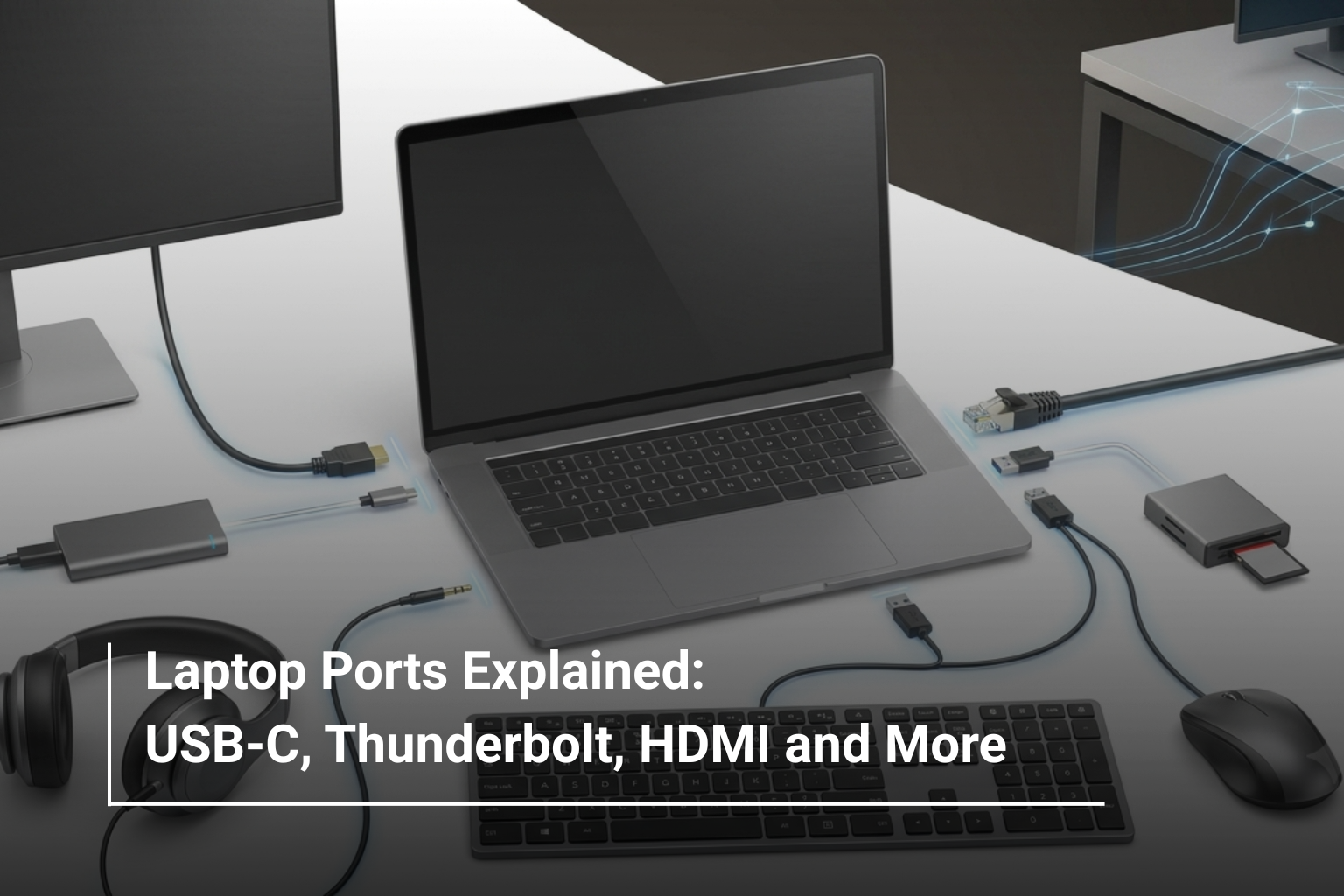
Buying a laptop is no longer just about choosing the right processor, RAM, storage, or display. The ports on the laptop matter too, especially if you regularly connect a monitor, external SSD, mouse, keyboard, docking station, projector, or other accessories. A laptop may have excellent specifications on paper, but if it doesn’t offer the connections you actually need, you may end up carrying adapters everywhere.
This is why understanding laptop ports is useful when shopping for a new device. From USB-C and Thunderbolt to HDMI, USB-A and headphone jacks, each port has a different purpose. If you’re comparing laptops and computer accessories UAE, knowing what these connections do can help you make a much more practical choice.
Why Do Laptop Ports Matter?
Your laptop is often the centre of your digital setup. You might connect it to an external display at work, transfer files from a USB drive, charge your smartphone, or use a wired headset for meetings.
The right selection of ports makes these everyday tasks easier. It can also reduce your dependence on dongles and adapters.
Before buying a laptop, think about the devices you already use and the accessories you may add later. This simple step can prevent compatibility problems after your purchase.
USB-C: The Modern All-Rounder
USB-C has become one of the most important ports on modern laptops. Its small, reversible design makes it convenient, but the important thing to remember is that not every USB-C port offers the same capabilities.
Depending on the laptop, USB-C can support:
- Data transfer
- Laptop charging
- External displays
- Docking stations
- Smartphones and other peripherals
The exact capabilities depend on the laptop and the USB standard it supports. So don’t assume that every USB-C port automatically supports fast charging, video output, or the same transfer speeds.
For example, newer laptops such as the ASUS Zenbook 14 OLED are designed around modern connectivity alongside their portable, high-performance specifications.
Thunderbolt: When You Need Faster Connectivity
Thunderbolt is another connection you’ll see on premium laptops. It uses the USB-C connector but can provide much higher performance and additional capabilities depending on the version and implementation.
Thunderbolt is particularly useful for people who work with high-speed storage, multiple displays, professional peripherals, and docking stations.
If you’re a content creator or professional who frequently moves large files, Thunderbolt-compatible connectivity can be a valuable feature.
One important distinction is that USB-C and Thunderbolt are not interchangeable terms. Thunderbolt uses the USB-C-shaped connector, but a regular USB-C port doesn’t automatically mean Thunderbolt.
HDMI: The Easy Way to Connect a Display
HDMI remains one of the most useful laptop ports for connecting an external screen.
You can use HDMI to connect your laptop to:
- Monitors
- TVs
- Projectors
- Conference-room displays
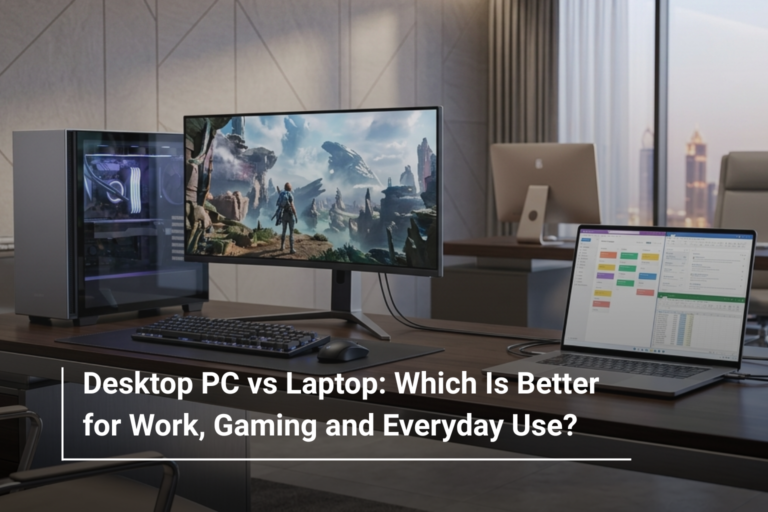
This is particularly useful for office presentations, home entertainment, and gaming setups. If you frequently work with an external monitor, having a built-in HDMI port can save you from needing an additional adapter.
For gamers, the version of HDMI supported can also matter because different standards offer different maximum resolutions and refresh rates.
USB-A: The Port That Still Has a Job
USB-A may look old-fashioned compared with USB-C, but it’s still extremely useful.
Many popular accessories continue to use USB-A, including:
- Wireless mouse receivers
- Keyboards
- USB flash drives
- External hard drives
- Printers
If you already have several older peripherals, don’t overlook the number of USB-A ports available on a laptop. A device with only USB-C connections may look modern, but it could be inconvenient if most of your accessories still use USB-A.
This is where having a good selection of PC accessories online UAE can also help you build a setup around your laptop, whether you need a mouse, keyboard, external storage, or connectivity accessories.
Headphone and Microphone Jack
The traditional 3.5mm audio jack is still useful, especially for users who prefer wired headphones or headsets.
It can be convenient for:
- Online meetings
- Gaming headsets
- Wired headphones
- External microphones
Some premium laptops are moving towards wireless audio and USB-C accessories, but a dedicated audio jack remains convenient for many users.
SD Card Reader: Important for Creators
An SD card reader may not matter to everyone, but it can be extremely useful for photographers, videographers, and content creators.
Instead of carrying an additional card reader, you can insert your memory card directly into the laptop and transfer photos or videos.
If you’re buying a laptop specifically for creative work, check whether it includes a full-size SD card slot or a smaller microSD reader.
Ethernet: Useful for Stable Wired Networking
Most thin and lightweight laptops no longer include a full-size Ethernet port because of their compact designs. However, wired Ethernet can still be valuable in offices, gaming setups, and situations where a stable network connection is important.
If Ethernet is essential for your work, check the laptop specification carefully or consider a suitable USB-C or Thunderbolt adapter.
Which Laptop Ports Do You Actually Need?
The answer depends on what you do with your laptop. There is no universal combination that works for everyone.
|
User |
Ports Worth Prioritising |
|
Student |
USB-C, USB-A, HDMI, audio jack |
|
Office Professional |
USB-C, HDMI, USB-A |
|
Gamer |
USB-A, USB-C, HDMI, audio |
|
Content Creator |
USB-C/Thunderbolt, HDMI, SD card reader |
|
Frequent Traveller |
USB-C charging, USB-A, audio |
|
Workstation User |
Multiple USB-C/Thunderbolt ports, HDMI, Ethernet support |
A student who mainly uses a laptop for documents and presentations doesn’t necessarily need Thunderbolt. On the other hand, a video editor working with external SSDs and multiple displays may benefit greatly from high-speed connectivity.
How Many Ports Are Enough?
There’s no magic number, but a balanced laptop should give you enough flexibility for your everyday accessories.
For a general-purpose laptop, having at least two USB ports, USB-C connectivity, an external display option, and an audio connection is a practical starting point.
If you frequently connect several devices simultaneously, consider a laptop with more physical ports or support for a docking station.
What About Docking Stations?
A docking station can turn a laptop into the centre of a complete desktop-style workspace. With a compatible USB-C or Thunderbolt connection, a dock can allow you to connect several peripherals through a single cable.
A typical setup might include:
Laptop → Docking Station → Monitor + Keyboard + Mouse + Storage + Network
This is especially convenient for professionals who use the same desk every day but still want the portability of a laptop.
Don’t Choose a Laptop Based on Ports Alone
Ports are important, but they should be considered alongside the laptop’s other specifications. A device with every possible connection isn’t necessarily the right choice if its processor, RAM, display, battery, or storage doesn’t suit your workload.
When comparing laptops, look at the complete package: performance, screen quality, portability, battery life, connectivity, and upgrade possibilities. This approach will help you avoid paying for features you don’t need while making sure you don’t miss something genuinely useful.
Final Thoughts
Laptop ports may seem like a small detail, but they can have a surprisingly big impact on everyday convenience. USB-C provides flexible modern connectivity, Thunderbolt is valuable for high-performance peripherals and displays, HDMI remains useful for external screens, while USB-A continues to support many everyday accessories.
The right choice ultimately depends on how you plan to use your laptop. Before purchasing, make a quick list of the devices you connect regularly and check whether the laptop supports them without requiring multiple adapters.
Explore Laptops and Accessories at AL Lavisha Computers
At AL Lavisha Computers, choosing a laptop isn’t just about comparing processor names and RAM numbers. The available connectivity matters too, particularly when you’re building a complete work, study, or gaming setup. With laptops from leading brands including ASUS, Acer, Dell, HP, Lenovo, and MSI, along with a broad selection of computer accessories UAE, you can find the hardware and peripherals needed to create a setup that works comfortably around your everyday requirements.