
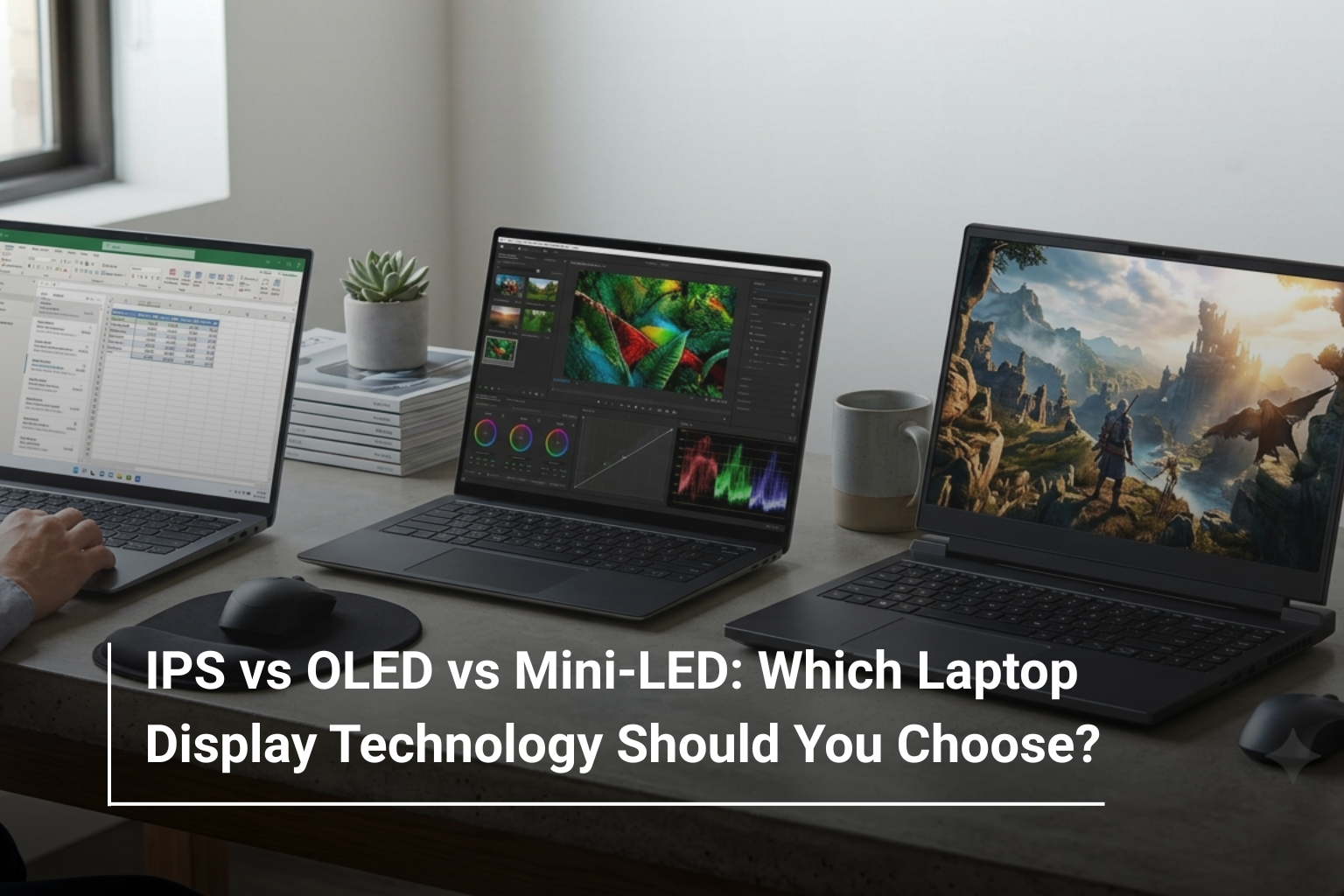
When choosing a laptop, most buyers immediately compare the processor, RAM, storage, and graphics card. But there is one specification you interact with every time you use the device: the display. A powerful laptop with a poor screen can still make work, entertainment, editing, and gaming feel underwhelming.
In 2026, laptop buyers have more display choices than ever. IPS remains a dependable option, while OLED has become increasingly common in premium laptops, and Mini-LED is making its mark on high-end gaming and creative machines. So, which one should you choose?
The answer depends on what you do with your laptop, your budget, and how much you value colour accuracy, contrast, brightness, and smooth motion.
IPS vs OLED vs Mini-LED: What’s the Difference?
Before comparing them, it helps to understand what makes each technology different.
|
Display Technology |
Main Strength |
Best For |
|
IPS |
Balanced image quality and reliability |
Students, business users, everyday work |
|
OLED |
Deep blacks and vibrant colours |
Creators, entertainment, premium laptops |
|
Mini-LED |
High brightness and strong contrast |
Gaming, HDR, professional creative work |
There isn’t one display technology that is automatically best for everyone. Each has its own advantages and trade-offs.
What Is an IPS Laptop Display?
IPS, or In-Plane Switching, has been one of the most popular laptop display technologies for years. It offers good viewing angles, consistent colours, and dependable image quality without the premium cost associated with some newer display technologies.
For everyday tasks such as browsing, office work, studying, video calls, and watching videos, a good IPS panel can be more than enough.
IPS displays are particularly practical for users who spend long hours working on documents and spreadsheets. They are also widely available across laptops at different price points, making them easier to find within a specific budget.
Why Choose IPS?
- Good colour consistency
- Wide viewing angles
- Generally more affordable
- Available across a wide range of laptop sizes
- Suitable for everyday productivity and gaming
For example, many business and mainstream models available through AL Lavisha Computers use IPS displays, including various Lenovo ThinkPad, Lenovo IdeaPad, Dell, HP, Acer, and ASUS configurations.
What Makes OLED Different?
OLED has become one of the biggest upgrades in modern laptop displays. Unlike traditional LCD-based panels, OLED pixels can switch themselves off completely when displaying black. This produces extremely deep blacks and very high perceived contrast.
The difference becomes immediately noticeable when watching movies, viewing photographs, or working with content that contains dark scenes.
OLED displays are particularly attractive for creative professionals because of their strong colour reproduction and contrast. They are also increasingly common in premium ultraportables and creator-focused laptops.
For instance, the ASUS Zenbook 14 OLED range available at AL Lavisha Computers includes configurations with high-resolution OLED panels, making this type of display particularly relevant for users who value portability alongside visual quality.
Mini-LED: The High-End Alternative
Mini-LED takes a different approach. Instead of individually lighting every pixel like OLED, Mini-LED displays use a large number of very small LEDs behind an LCD panel. These can be divided into local dimming zones to improve contrast and HDR performance.
The result can be an impressive combination of high brightness, strong contrast, and detailed highlights.
Mini-LED is particularly interesting for gaming and professional creative work where brightness and HDR performance matter.
A good example is a premium gaming laptop such as the MSI Raider 18 HX AI, which features an 18-inch UHD Mini-LED display with a 120Hz refresh rate. This kind of configuration demonstrates where Mini-LED fits in the laptop market: large, powerful machines designed for demanding visual workloads.
IPS vs OLED vs Mini-LED for Gaming
Gamers should look beyond display technology alone. Refresh rate, response time, resolution, GPU performance, and adaptive-sync support can be just as important.
A 240Hz OLED display can be an excellent choice for competitive gaming because of its fast response and smooth motion. On the other hand, a Mini-LED panel can be attractive to gamers who want strong HDR and high brightness.
IPS remains a practical choice for gamers who want good performance without pushing the laptop budget too high.
For example, several ASUS ROG Strix models available from AL Lavisha Computers combine high refresh rates with powerful dedicated GPUs. The ASUS ROG Strix G16 with a 240Hz WQXGA IPS display is a good example of how an IPS panel can still be an excellent gaming choice when paired with suitable hardware.
Which Display Is Best for Content Creators?
If you edit photographs, create videos, design graphics, or work with colour-sensitive projects, display quality becomes much more important.
OLED is often an excellent choice because of its deep blacks, strong contrast, and vibrant colour reproduction. Mini-LED can also be highly suitable, particularly for HDR video work where high brightness is important.
When comparing creator laptops, don’t simply look for the word “OLED” or “Mini-LED”. Check the actual specifications, including:
- Colour coverage
- Resolution
- Brightness
- Refresh rate
- HDR support
- Factory calibration, where applicable
This matters because two laptops using the same display technology can still have noticeably different panels.
Which Display Is Better for Office Work and Students?
For students and office users, IPS is often the most sensible option.
If your typical day involves Word documents, Excel spreadsheets, presentations, browsing, emails, and video meetings, you may not need to spend extra money on an OLED or Mini-LED panel.
A good Full HD or WUXGA IPS display can provide a comfortable working experience while allowing more of your budget to go towards RAM, storage, processor performance, or battery life.
For example, Lenovo business models such as the Lenovo ThinkPad E14 Gen 7 offer a 14-inch WUXGA IPS display and are designed around practical business and productivity use.
What About Battery Life?
Display technology can also influence battery consumption.
OLED can be efficient when displaying darker content because individual pixels can switch off. However, bright content can increase power consumption. Mini-LED displays can also consume significant power when operating at high brightness.
IPS displays can offer predictable power consumption, making them a practical choice for users who prioritise battery life and everyday productivity.
The actual battery life still depends heavily on the processor, battery capacity, screen brightness, refresh rate, software, and workload, so display technology should not be considered in isolation.
IPS vs OLED vs Mini-LED: Which One Should You Buy?
Your usage should ultimately determine your choice.
|
If You Are… |
Recommended Display |
|
A student |
IPS |
|
An office professional |
IPS |
|
A casual user |
IPS |
|
A photographer or designer |
OLED |
|
A video editor |
OLED or Mini-LED |
|
A competitive gamer |
OLED or high-refresh IPS |
|
An HDR-focused gamer |
Mini-LED |
|
Looking for a premium laptop |
OLED or Mini-LED |
Don’t Ignore Resolution and Refresh Rate
Display technology is only one part of the equation. A laptop with an excellent panel can still feel unsuitable if the resolution or refresh rate doesn’t match your requirements.
For everyday productivity, Full HD or WUXGA is generally sufficient. Higher resolutions such as 2.5K, 3K, or WQXGA are useful for creators, professionals, and users who want sharper visuals.
For gaming, refresh rate becomes particularly important. A 144Hz display is already a significant improvement over 60Hz, while 165Hz, 240Hz, and higher refresh rates are available on performance-oriented laptops.
Final Verdict
So, IPS vs OLED vs Mini-LED—which should you choose?
Choose IPS if you want dependable image quality, good viewing angles, and excellent value for everyday computing. Choose OLED if colour, contrast, entertainment, and visual quality are high on your priority list. Choose Mini-LED if you want high brightness, strong HDR performance, and a premium display for gaming or professional creative work.
If you’re comparing ASUS laptops UAE, for example, you’ll find everything from practical IPS configurations to premium OLED models across the ASUS VivoBook, Zenbook, TUF, and ROG families. Similarly, shoppers comparing Lenovo laptop prices UAE can find different display technologies across IdeaPad, ThinkPad, and Legion models depending on their intended use.
The key is not to choose the most advanced display technology simply because it is newer. Choose the screen that fits your work, entertainment habits, gaming requirements, and budget.
Explore Laptops at AL Lavisha Computers
At AL Lavisha Computers, laptop shopping isn’t limited to comparing processor names and RAM numbers. You can explore a broad selection of laptops from leading brands and compare display sizes, panel technologies, refresh rates, graphics, storage, and other specifications according to your requirements. Whether you need a practical everyday notebook, a colour-rich OLED laptop for creative work, or a high-refresh gaming machine, the right display can make a noticeable difference to your daily experience.