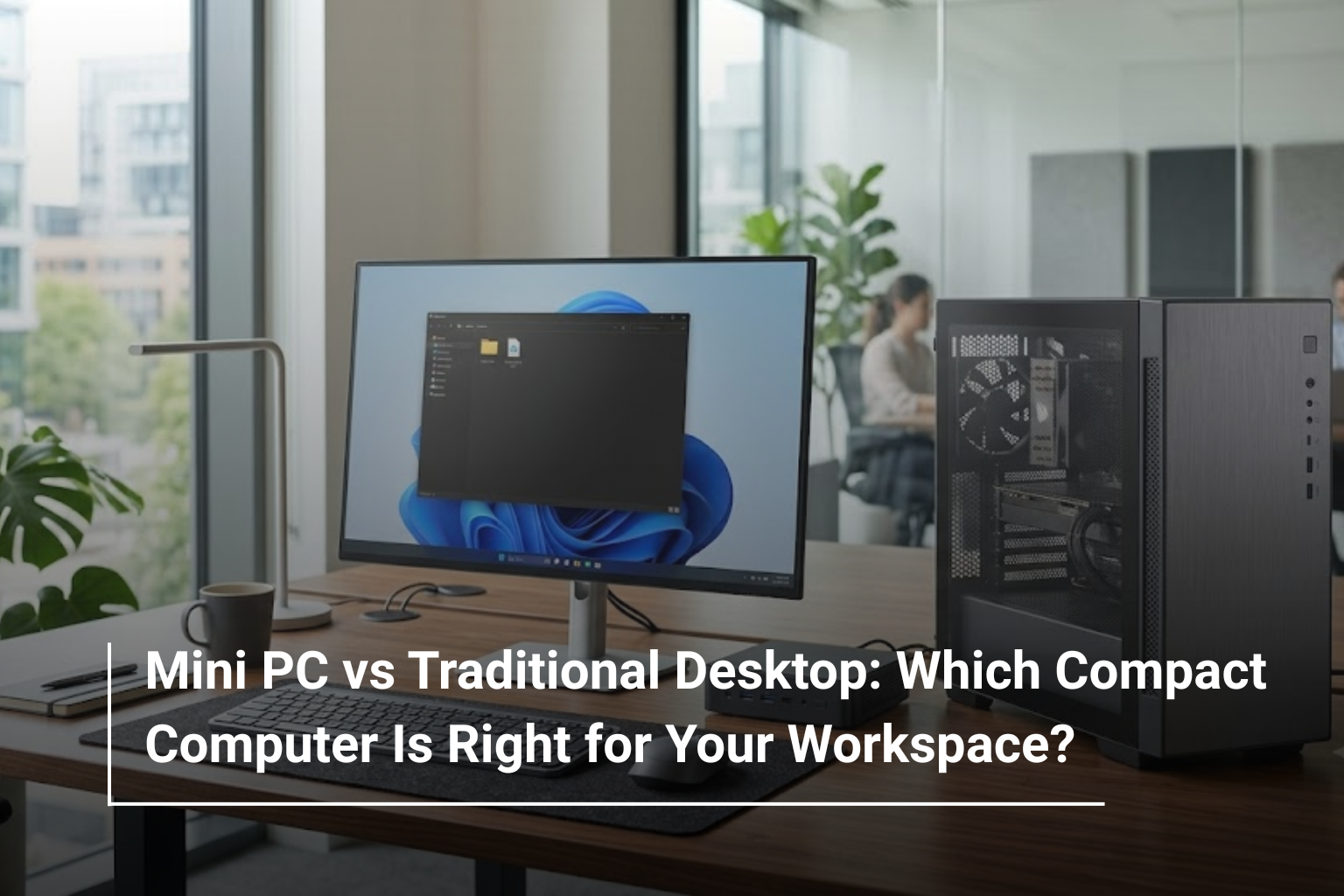
Choosing a desktop computer is no longer just about deciding how much processing power you need. With compact computers becoming more capable, buyers can now choose between a traditional desktop tower and a Mini PC that takes up very little space on a desk. Both can handle everyday computing tasks, office applications and entertainment, but they offer different advantages depending on how you plan to use them.
If you are exploring desktop computers in UAE, understanding these differences can help you find a system that fits your workspace, performance requirements and budget. A Mini PC may be ideal for a home office or a reception desk where space is limited, while a traditional desktop can be a better choice for users who need more powerful hardware, dedicated graphics or room for future upgrades.
Let’s compare Mini PCs and traditional desktops to see which option makes more sense for your daily computing needs.
What Is a Mini PC?
A Mini PC is a compact computer designed to deliver desktop functionality in a much smaller form factor. Depending on the model, it can be small enough to fit beside a monitor, sit underneath a desk or mount behind a compatible display.
Despite its size, a Mini PC can handle many common computing tasks, including browsing, document editing, video conferencing, accounting software and business applications. Some models are also powerful enough for multitasking, light creative work and more demanding professional workloads.
One of the biggest advantages is its space-saving design. For small offices, home workstations, educational institutions and businesses setting up multiple workstations, a Mini PC can provide a practical alternative to a bulky desktop tower.
However, compact size does not automatically mean better performance or lower power consumption in every situation. The processor, memory, cooling system and overall configuration still determine what a particular model can handle.
What Is a Traditional Desktop Computer?
A traditional desktop computer usually consists of a separate tower or desktop cabinet connected to a monitor, keyboard, mouse and other peripherals. Its larger chassis provides more room for internal components, cooling solutions, storage drives and expansion cards.
This makes traditional desktops particularly useful for people who need higher performance or want the flexibility to upgrade their systems over time. Depending on the configuration, a desktop can support powerful processors, dedicated graphics cards, multiple storage drives and additional memory.
Traditional desktops are widely used in offices, design studios, gaming setups and businesses that rely on demanding software. They are also available across a broad range of price points, making it easier to choose a system based on specific requirements.
If your priority is long-term flexibility rather than saving desk space, a conventional desktop remains a strong option.
Mini PC vs Traditional Desktop: What Is the Difference?
The main difference between these two computer types is their physical design and the amount of internal space available for components. Their actual performance depends on the hardware inside each system.
Feature | Mini PC | Traditional Desktop |
Size | Compact and space-saving | Larger tower or cabinet |
Desk Space | Requires very little space | Requires space for the tower |
Performance | Suitable for everyday and selected demanding tasks | Wide range, including high-performance systems |
Upgrade Options | Often limited by compact design | Generally offers more flexibility |
Graphics | Usually integrated; some models offer dedicated graphics | Integrated and dedicated graphics options |
Cooling | Limited by chassis size and design | More room for cooling solutions |
Power Consumption | Often lower for comparable basic workloads | Varies by components and workload |
Portability | Easier to move between workspaces | Less convenient to relocate |
Best For | Small offices, home offices and everyday computing | Gaming, intensive workloads and expandable workstations |
Neither option is automatically better for everyone. The right choice depends on whether you value a compact setup, additional performance headroom or the ability to upgrade components later.
When Should You Choose a Mini PC?
A Mini PC makes the most sense when you want a capable computer without dedicating much space to the hardware. It can be particularly useful in modern workspaces where a clean, organised desk is a priority.
Consider a Mini PC if you:
- Work mainly with documents, spreadsheets, email and web applications.
- Need a computer for a home office or a small business.
- Want to create a minimalist workstation with fewer items on your desk.
- Need several computers for reception areas, classrooms or office departments.
- Prefer a system that is easy to move or reposition.
For example, a small business that needs computers for billing, inventory management, customer service and general office administration may find Mini PCs practical. They can be placed beside monitors or mounted out of sight, leaving more room for daily work.
Before buying, check the available ports, memory capacity, storage configuration and cooling performance. A compact computer should still provide enough connectivity and processing power for the applications you use regularly.
When Is a Traditional Desktop the Better Choice?
A traditional desktop is often the better investment when your workload demands more processing power, graphics performance or room for expansion.
Its larger chassis allows manufacturers to accommodate a wider selection of components, although the exact upgrade options depend on the case, motherboard and power supply.
You should consider a traditional desktop if you:
- Run demanding business, engineering or creative applications.
- Need a dedicated graphics card for gaming or graphics-intensive work.
- Want to add more RAM or storage in the future.
- Require several internal drives or expansion cards.
- Prefer easier access to internal components for maintenance and upgrades.
For example, a video editor working with large projects or a designer using demanding 3D applications may benefit from a desktop configured with a powerful processor, sufficient RAM and a dedicated GPU.
A traditional desktop can also be a sensible choice for businesses that plan to keep their computers for several years and want the option to replace or upgrade individual components rather than the entire system.
Performance: Is a Mini PC Powerful Enough?
A common misconception is that every Mini PC is less powerful than a traditional desktop. In reality, performance depends on the processor generation, RAM, storage, graphics hardware and cooling capabilities.
A well-configured Mini PC can comfortably handle everyday office tasks, online meetings, web-based business tools and multiple applications running simultaneously. Certain higher-end models can also support programming, photo editing and other moderately demanding workloads.
However, traditional desktops generally offer more room for high-performance components and sustained cooling. This becomes important when a computer must handle heavy workloads for extended periods.
For everyday productivity, 16GB of RAM and an SSD are a sensible starting point for many users. If you regularly work with large spreadsheets, virtual machines, professional creative software or several resource-intensive applications, you may need 32GB of RAM or more.
The best approach is to compare the actual specifications instead of judging a computer by its size alone.
Graphics and Gaming: Which One Performs Better?
Graphics performance is another important consideration when comparing Mini PCs with desktop computers.
Many Mini PCs rely on integrated graphics, which are suitable for everyday display output, streaming, presentations and some light gaming. A small number of specialised models offer more capable graphics solutions, but these systems can cost considerably more.
Traditional desktops provide a broader selection of dedicated graphics cards. This gives users more options for modern gaming, 3D rendering, video editing and applications that benefit from GPU acceleration.
If you plan to play demanding games or work with professional graphics software, a desktop with a suitable dedicated GPU is generally the more flexible option. For standard office work, online content and everyday entertainment, a Mini PC may provide everything you need.
If gaming is your primary requirement, explore dedicated gaming desktop PCs rather than assuming a standard office Mini PC will deliver the performance you expect.
Space, Power Consumption and Everyday Convenience
One of the clearest advantages of a Mini PC is how easily it fits into a small workspace. Unlike a traditional tower, it does not need a large area beside or beneath your desk. This is especially helpful for home offices, shared workstations and businesses with limited room.
A compact system can also make cable management easier, particularly when paired with a wireless keyboard and mouse or a compatible monitor with USB-C connectivity.
Mini PCs often consume less power than high-performance desktop systems, particularly when equipped with efficient processors and integrated graphics. However, actual electricity consumption depends on the components, workload and power settings. A powerful desktop used for basic office work may consume much less energy than it would under a demanding gaming or rendering workload.
Remember that both options may require a separate monitor, keyboard, mouse and webcam. Include these accessories in your budget when comparing the total cost of setting up a workstation.
Mini PC vs Desktop for Home and Office Use
For everyday office work, both systems can be effective. The better choice depends on the number of users, the applications involved and the available workspace.
Use Case | Recommended Option | Why |
Home office and remote work | Mini PC or desktop | Both support standard productivity applications |
Small business billing and administration | Mini PC | Saves space at individual workstations |
School and computer lab setups | Mini PC or desktop | Depends on budget, maintenance and workload |
Video editing and 3D design | Traditional desktop | More options for powerful CPUs and dedicated GPUs |
Gaming | Traditional desktop | Greater graphics and cooling flexibility |
Everyday browsing and entertainment | Mini PC | Compact and convenient for basic tasks |
Long-term hardware upgrades | Traditional desktop | Generally provides more accessible expansion options |
Space-constrained workstations | Mini PC | Fits easily into smaller setups |
For a business deploying multiple computers, it can even make sense to use both. Mini PCs can handle everyday administrative tasks, while more powerful desktops serve employees who require specialised software or additional processing capacity.
What Should You Check Before Buying?
Before deciding between a Mini PC and a traditional desktop, focus on the specifications that will affect your experience over the next few years.
Processor: Choose a processor suited to your applications. Basic office work has different requirements from programming, video editing or engineering software.
RAM: At least 16GB is a practical target for many modern multitasking setups. Consider additional memory if your software requirements justify it.
Storage: An SSD helps with boot times, application loading and everyday responsiveness. Check whether the system offers enough capacity and whether storage can be upgraded.
Connectivity: Look at USB-A, USB-C, HDMI or DisplayPort, Ethernet and wireless connectivity. Confirm support for the number and type of monitors you intend to use.
Cooling and noise: Compact systems have less physical room for cooling hardware, so reviews and specifications can be useful when evaluating performance under sustained workloads.
Upgradeability: If you expect your needs to change, check whether the RAM, SSD, graphics card and other components can be replaced or expanded.
Warranty and support: Consider the warranty coverage, service options and availability of compatible replacement parts before making your purchase.
A slightly more capable system may offer better long-term value than a cheaper computer that needs replacing as soon as your workload grows.
Mini PC or Traditional Desktop: Which Should You Buy?
If your priority is a clean workspace, low space requirements and reliable everyday computing, a Mini PC is worth considering. It can be an excellent fit for home offices, small businesses, reception desks and users who mainly work with productivity applications.
On the other hand, a traditional desktop is likely to be the better choice if you need dedicated graphics, sustained high performance, greater internal storage capacity or more room for future upgrades.
The key is to match the computer to your actual workload rather than paying for specifications you may never use. Before browsing desktop computers in UAE, consider your daily applications, workspace dimensions, upgrade requirements and total budget. These factors will help you narrow down the options and choose a system that remains useful as your needs evolve.
Explore Desktop Computing Options at AL Lavisha Computers
Every workspace has different computing requirements, and finding the right system starts with understanding what you need it to do. At AL Lavisha Computers, you can explore computing solutions from established brands, including ASUS, HP, Dell, Lenovo and Acer, and compare available configurations for home and business use. Whether you are setting up a compact workstation or building a more powerful desktop environment, reviewing the processor, memory, storage and connectivity options can help you make a well-informed decision. Visit AL Lavisha Computers to explore the available range and find a computer that works for your space, budget and everyday workload.