
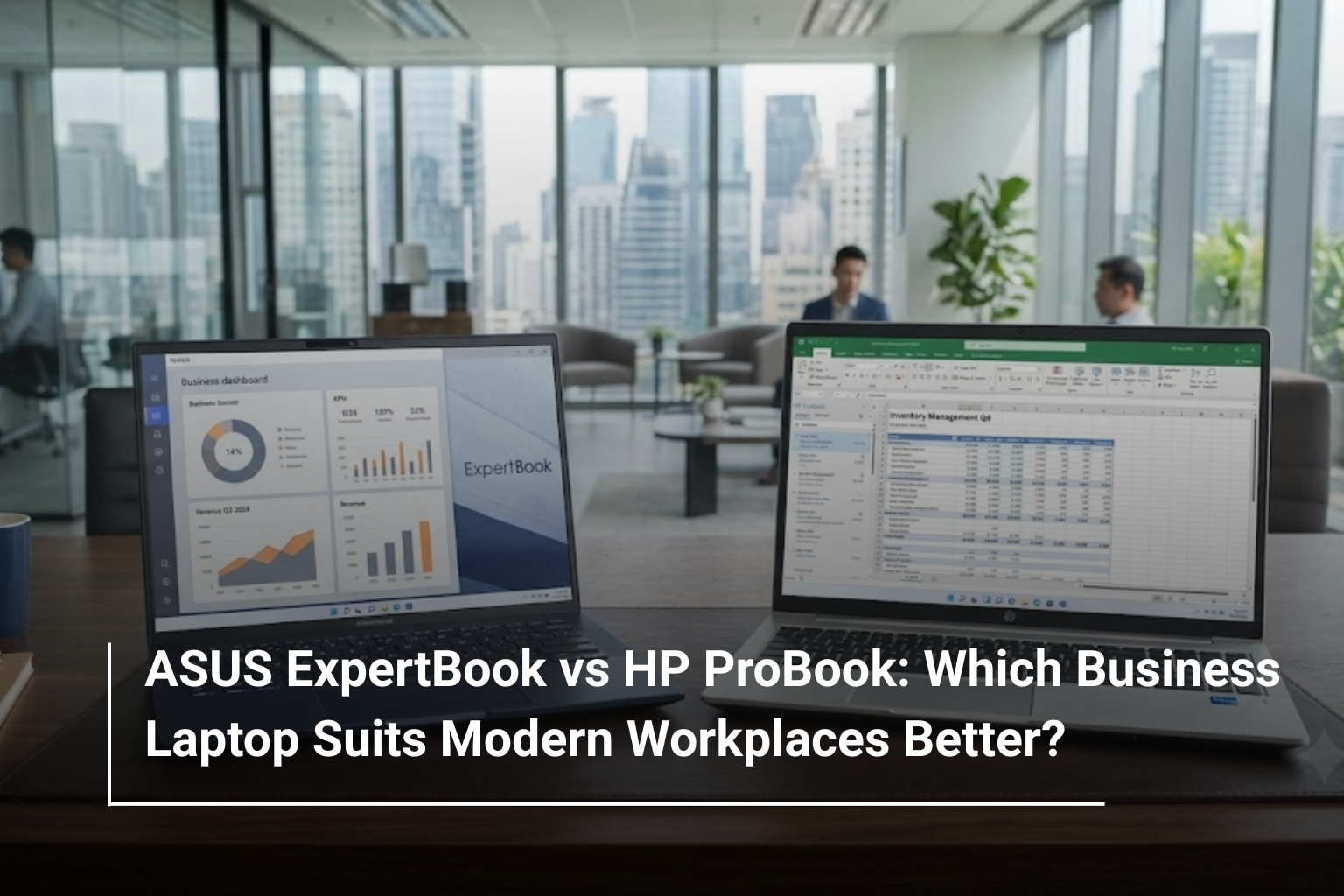
Choosing a business laptop involves more than comparing processor names, RAM and storage capacity. For professionals working across offices, client meetings, remote setups and business travel, reliability, portability, security and everyday usability are just as important as performance. Two popular options worth considering are ASUS ExpertBook and HP ProBook, both designed to meet the needs of modern workplaces.
If you are exploring business laptops UAE, these two series offer configurations suited to different professional requirements. ASUS ExpertBook focuses on lightweight designs, business productivity and mobility, while HP ProBook combines practical business features with a familiar, professional laptop experience.
But which one is the better investment for your workplace? The answer depends on your workload, budget, security requirements and the features you expect to use every day. Let’s compare the two series to help you make a more informed decision.
What Is the ASUS ExpertBook Series?
The ASUS ExpertBook series is designed primarily for business users who need dependable performance in a portable package. It includes laptops aimed at professionals, corporate teams and organisations looking for devices that can handle everyday business operations without unnecessary bulk.
Many ExpertBook models prioritise lightweight construction, productivity-focused features and security options. Depending on the configuration, users may also find modern processors, multiple connectivity options and business-oriented management features.
For professionals who regularly commute, attend meetings or work from different locations, an ASUS business laptop can be a practical choice. Its appeal is particularly strong for users who want a portable machine for presentations, spreadsheets, video conferences and multitasking.
The ExpertBook lineup includes different models and configurations, so it is worth comparing the specifications of individual devices rather than assuming every model offers the same features.
What Is the HP ProBook Series?
HP ProBook is another established business laptop family, developed for professionals, small businesses and corporate environments. It focuses on everyday workplace productivity, practical hardware configurations and features that support business use.
HP ProBook laptops are available with different processor options, screen sizes, memory capacities and storage configurations. This makes the series suitable for a range of tasks, from managing emails and documents to working with business applications and handling demanding multitasking workloads.
For organisations already using HP computers, choosing ProBook models may also help maintain a more consistent device environment across teams. However, compatibility with existing IT management systems and accessories should always be checked against the specific model.
If your work revolves around office applications, online meetings, customer management systems and day-to-day business operations, an HP ProBook can be a sensible option to consider.
ASUS ExpertBook vs HP ProBook: Key Differences
Although both laptop series are built for professional use, their individual models can differ considerably in weight, performance, security features and pricing. The comparison below highlights the main factors to evaluate when choosing between them.
|
Feature |
ASUS ExpertBook |
HP ProBook |
|
Primary audience |
Mobile professionals and business users |
Professionals, small businesses and corporate teams |
|
Design focus |
Many models emphasise lightweight portability |
Professional designs focused on everyday business use |
|
Performance |
Depends on processor and configuration |
Depends on processor and configuration |
|
Security |
Features vary by model and configuration |
Features vary by model and configuration |
|
Display options |
Vary across the ExpertBook range |
Vary across the ProBook range |
|
Connectivity |
Ports and wireless features depend on the model |
Ports and wireless features depend on the model |
|
Best suited for |
Professionals prioritising mobility and productivity |
Businesses seeking practical workplace computing |
|
Overall value |
Depends on features, price and intended use |
Depends on features, price and intended use |
Neither series is automatically better in every category. A higher-specification ProBook may outperform an entry-level ExpertBook, just as a premium ExpertBook may offer portability or features that a particular ProBook configuration lacks.
Performance: Which Business Laptop Handles Workloads Better?
Performance should be one of your first considerations, especially if you regularly work with several applications at once.
Both ASUS ExpertBook and HP ProBook laptops are available with different processor generations and configurations. Depending on the model, you may find Intel Core or Intel Core Ultra processors, as well as other supported processor options across particular product generations.
For everyday office work, such as browsing, preparing presentations, managing spreadsheets and attending online meetings, a modern mid-range business laptop is generally sufficient. If you regularly work with large datasets, multiple business applications or resource-intensive software, choosing a stronger processor and sufficient memory becomes more important.
For most professionals, 16GB RAM and a 512GB SSD provide a useful starting point for a new business laptop. Users with heavier workloads may benefit from 32GB RAM or more storage, depending on the applications they use.
Before purchasing either series, compare the exact processor model, RAM capacity, SSD type and upgrade options. These specifications have a much greater impact on real-world performance than the brand name alone.
Portability and Design for Modern Workplaces
Business laptops are no longer used exclusively at office desks. Professionals often carry their devices between meetings, client locations, coworking spaces and home offices, making weight and battery performance important factors.
ASUS ExpertBook models are often positioned around mobility, with selected devices offering lightweight designs that are convenient for frequent travel. If you regularly carry your laptop in a backpack or work across different locations, checking the weight and dimensions of an ExpertBook is worthwhile.
HP ProBook models also offer portable designs, although their weight and build vary according to screen size, configuration and product generation. A compact ProBook may be equally convenient for commuting, while a larger model could provide more comfortable viewing space for extended office work.
When comparing the two, pay attention to the complete design rather than appearance alone. Keyboard comfort, hinge quality, chassis construction and the placement of ports can all affect your daily experience.
If mobility is your biggest priority, compare lightweight 14-inch models from both ranges. If your work involves long hours at a desk, a larger display may be more useful than saving a small amount of weight.
Security and Business-Friendly Features
Security is an important consideration when laptops are used to access company documents, customer information, financial records and internal business systems.
Depending on the configuration, ASUS ExpertBook and HP ProBook devices may offer features such as fingerprint readers, webcam privacy shutters, TPM security and business-oriented BIOS or device management capabilities.
However, not every laptop in either range includes every feature. Some options are model-specific or available only on selected configurations.
Before making a purchase, consider the following:
- Biometric authentication: A fingerprint reader or supported facial recognition can make secure sign-in more convenient.
- TPM and system security: Check the supported security hardware and operating system requirements.
- Privacy features: A physical webcam shutter can be useful for professionals attending frequent video meetings.
- IT management: Businesses purchasing multiple laptops should check compatibility with their existing device management and security policies.
For larger teams, it is also worth confirming warranty coverage, service arrangements and support availability in the UAE. A laptop that fits your company’s IT requirements can be more valuable than one that simply offers a longer specification list.
Display, Keyboard and Everyday Productivity
A business laptop should make routine work comfortable. Even a powerful device can become frustrating if its display is difficult to read or its keyboard is uncomfortable for extended typing.
Both ASUS ExpertBook and HP ProBook models offer different display configurations. Depending on the device, these may include Full HD or higher-resolution panels, anti-glare finishes and varying brightness levels.
If you work with spreadsheets, documents and email throughout the day, a good-quality anti-glare display can help make extended sessions more comfortable. Professionals who travel frequently should also consider screen brightness, particularly when working in brightly lit environments.
The keyboard deserves equal attention. Frequent typists should look for comfortable key spacing, consistent key travel and a layout that suits their workflow. Backlit keyboards can be helpful when working in low-light conditions, but availability depends on the model.
For professionals who attend video calls regularly, check the webcam, microphone quality and speaker performance as well. These features can have a noticeable effect on the quality of remote meetings.
Battery Life and Connectivity: Important Factors for Business Users
Battery life can make a significant difference when you are travelling, moving between meetings or working away from a power outlet.
Neither ASUS ExpertBook nor HP ProBook has a universal battery-life advantage. Actual performance depends on battery capacity, processor efficiency, screen configuration, software optimisation and workload.
For example, a laptop used mainly for documents and web browsing may last considerably longer than the same device running demanding applications with high screen brightness. Manufacturer estimates are useful for comparison, but independent reviews can provide a more realistic picture.
Connectivity is equally important. Before choosing a model, check whether it includes the ports you need for external monitors, projectors, wired accessories and storage devices. USB-C, USB-A, HDMI and supported docking options can be particularly useful in office environments.
If your company uses external monitors or shared meeting-room equipment, confirming compatibility before buying can prevent unnecessary accessory expenses.
ASUS ExpertBook vs HP ProBook: Which Is Better for Your Profession?
The right option depends on how you work rather than which brand is more familiar.
|
User Requirement |
Recommended Approach |
|
Frequent business travel |
Compare lightweight ASUS ExpertBook and HP ProBook models |
|
Office documents and spreadsheets |
Choose a configuration with a modern processor, 16GB RAM and SSD storage |
|
Remote work and video meetings |
Prioritise webcam quality, microphone performance and battery life |
|
Large spreadsheets and multitasking |
Look for a stronger processor and 16GB–32GB RAM, depending on workload |
|
Corporate IT environments |
Check security, device management and support compatibility |
|
Small business purchasing |
Compare total cost, warranty, specifications and service arrangements |
|
Long-term everyday use |
Consider upgradeability, repair support and operating system requirements |
For a professional who travels frequently, an appropriately configured ExpertBook may be attractive because of its emphasis on mobility. For a business looking for dependable office machines across a team, a suitable HP ProBook configuration may fit the requirement just as well.
These are starting points, not strict rules. The exact model, configuration and price should determine the final decision.
Price and Value: Which One Should You Buy?
When comparing ASUS ExpertBook and HP ProBook prices in the UAE, avoid judging value solely by the initial purchase cost.
A lower-priced laptop may have less RAM, a smaller SSD, a lower-quality display or fewer security features. A more expensive model may justify its cost through better portability, stronger hardware, improved connectivity or a longer warranty, depending on what is included.
For businesses purchasing several devices, even a modest difference in price per laptop can affect the overall budget. At the same time, buying an underpowered configuration can create additional expenses if the team needs upgrades or replacements sooner than expected.
Before deciding, compare the processor generation, memory, storage, screen specifications, included operating system, warranty and upgrade possibilities. Also check whether the laptop meets your software requirements for the next few years.
If you are comparing different business laptop models, it can also help to explore the wider range of laptops online in the UAE to see how business-focused configurations compare with other options.
ASUS ExpertBook or HP ProBook: The Final Verdict
ASUS ExpertBook and HP ProBook are both worth considering when choosing a laptop for professional use. The better option depends on the balance of performance, portability, security and price that your work requires.
Choose an ASUS ExpertBook if a particular model offers the lightweight design, performance and business features you need for frequent travel and flexible working. Consider an HP ProBook if its configuration, workplace features, support arrangements and pricing align better with your individual or company requirements.
Most importantly, compare specific models rather than entire product families. A well-configured laptop with sufficient memory, fast storage, a comfortable display and suitable connectivity will generally deliver a better working experience than a device chosen on brand reputation alone.
Explore Business Laptops at AL Lavisha Computers
Finding the right business laptop starts with understanding what your work actually demands. At AL Lavisha Computers, you can explore computing solutions from leading brands, including ASUS and HP, and compare options for professional, educational and everyday business use. Whether you are upgrading your personal work device or sourcing laptops for your team, reviewing the specifications, configuration and warranty before purchasing can help you invest with confidence. Explore the available range to find a laptop that supports your workflow today and continues to meet your needs as your work evolves.