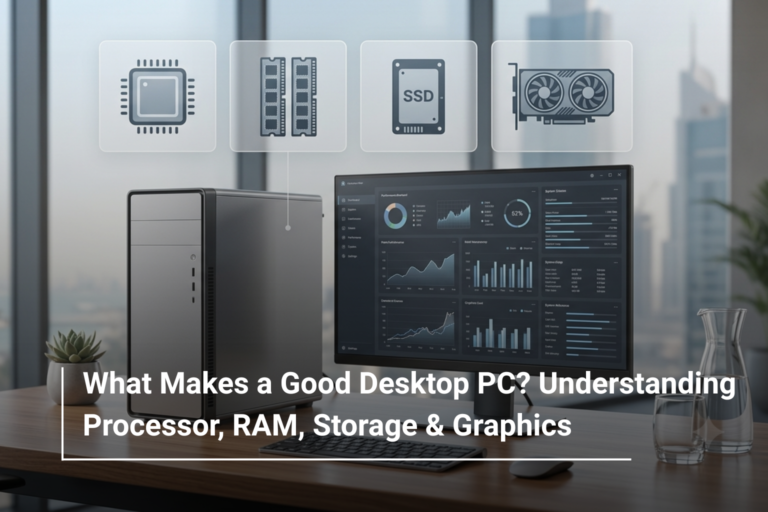


Introduction
When buying a laptop, most people get confused between processor, storage, and graphics—but one component that directly impacts everyday performance is RAM (Random Access Memory). Whether you’re a student attending online classes, a professional managing heavy workloads, or a gamer running high-end titles, the amount of RAM you choose can make or break your experience.With a wide range of configurations available at Al Lavisha Computers Trading LLC, understanding your actual RAM needs can help you avoid overspending while still getting optimal performance.What Does RAM Actually Do?
RAM is your system’s short-term memory. It temporarily stores data that your laptop is actively using, allowing applications to run smoothly without lag.The more RAM you have:- The more apps you can run simultaneously
- The smoother multitasking becomes
- The faster heavy software loads
How Much RAM Do You Need Based on Usage?
1. Students & Basic Users (4GB – 8GB RAM)
If your daily tasks include:- Web browsing
- Microsoft Office
- Online classes
- Streaming videos
2. Office Professionals & Business Users (8GB – 16GB RAM)
If your work involves:- Multiple browser tabs
- Excel sheets and reports
- Zoom/Teams meetings
- Light design tools
3. Creators & Designers (16GB – 32GB RAM)
If you work with:- Adobe Photoshop / Premiere Pro
- 3D rendering
- Video editing
4. Gamers & Power Users (16GB – 64GB RAM)
Modern gaming titles and high-performance workloads demand more memory. For users exploring gaming laptops UAE, RAM plays a critical role.- 16GB RAM → Standard gaming
- 32GB RAM → High-end gaming + streaming
- 64GB+ RAM → Extreme performance setups
Quick RAM Recommendation Table
| Usage Type | Recommended RAM | Ideal Laptop Examples |
| Students | 8GB | Acer Aspire, ASUS VivoBook |
| Office Work | 16GB | Dell Vostro, HP ProBook |
| Creative Professionals | 16GB–32GB | ASUS ZenBook, Lenovo ThinkPad |
| Gamers | 16GB–64GB | ASUS ROG, Acer Predator, MSI Gaming |
Real Product Configuration Examples
Looking at real-world configurations helps understand how RAM fits into overall performance:- High-performance gaming laptops from ASUS and Acer often feature 16GB to 32GB RAM paired with RTX graphics, making them perfect for gamers and streamers.
- Business laptops from Dell and HP typically come with 8GB–16GB RAM, ensuring smooth multitasking.
- Premium productivity devices from Lenovo and MSI offer expandable RAM options, allowing future upgrades.
Should You Upgrade RAM Later?
Many laptops allow RAM upgrades, but not all. Slim laptops and ultrabooks often have soldered RAM, meaning you cannot upgrade later.So, if you plan to keep your laptop for 3–5 years:- Go for higher RAM upfront
- Especially if you multitask heavily or use demanding software
Common Mistakes to Avoid
- Buying 4GB RAM in 2026 (not future-proof)
- Ignoring RAM speed (DDR4 vs DDR5 matters)
- Overspending on RAM without needing it
- Not checking upgrade options