
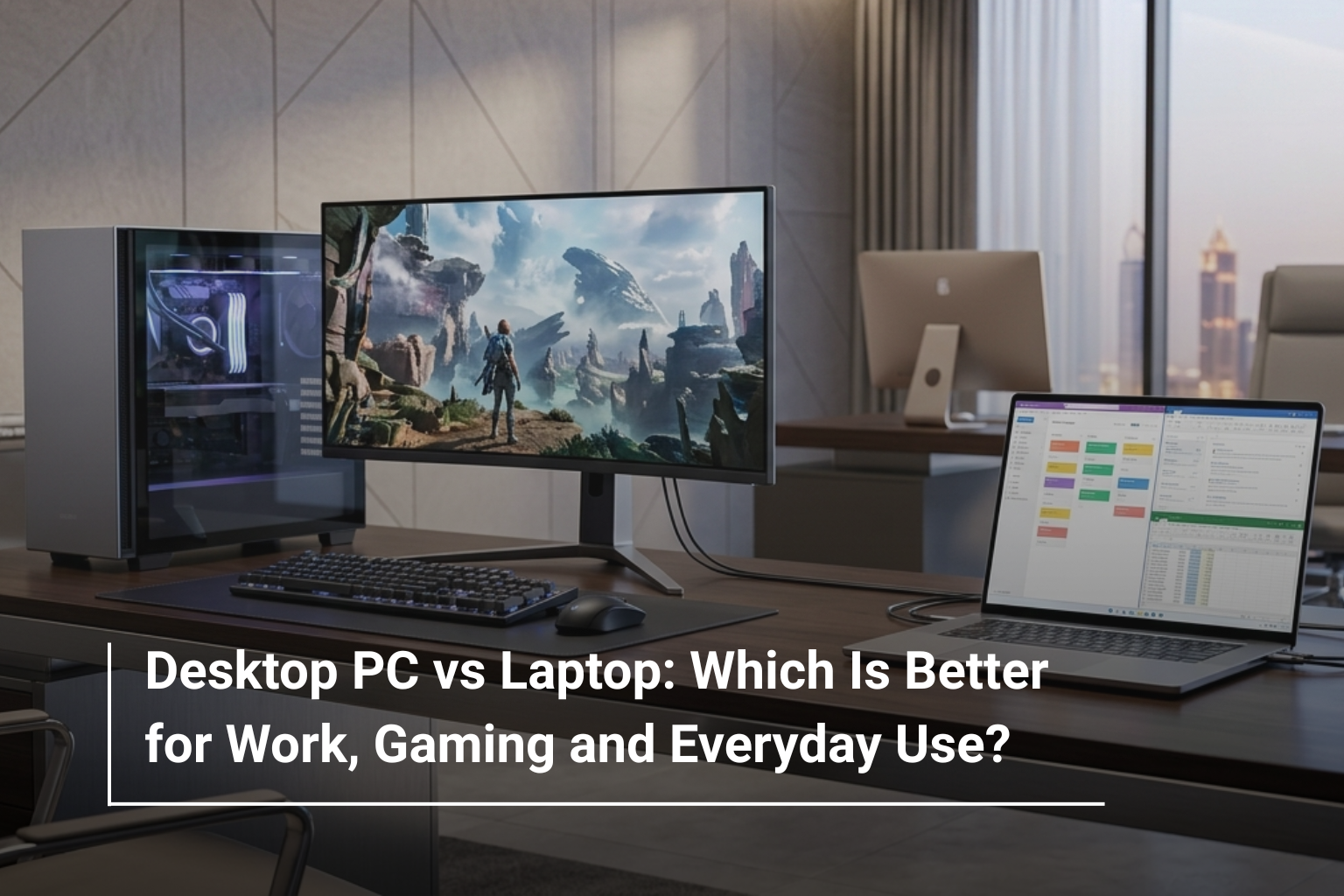
Choosing between a desktop PC and a laptop used to be fairly simple. If you wanted portability, you bought a laptop. If you wanted more performance and upgrade options, you went with a desktop. But in 2026, the gap between the two has become much smaller. Modern laptops can handle demanding games and professional workloads, while desktop PCs offer impressive performance in increasingly compact designs.
So, which one should you actually buy? The answer depends less on which device is “better” and more on how you plan to use it. Your workspace, performance requirements, budget, portability needs and even the type of games or software you use can all influence the right choice.
Desktop PC vs Laptop: What’s the Basic Difference?
The biggest difference is flexibility. A laptop combines the display, keyboard, battery, processor and other components into one portable machine. A desktop, on the other hand, is designed to stay in one place and usually gives you more freedom when it comes to components, upgrades and peripherals.
Here’s a quick comparison:
Feature | Desktop PC | Laptop |
Portability | Limited | Excellent |
Performance | Usually higher for the price | Depends on configuration |
Upgradeability | Generally better | More limited |
Screen | Separate monitor required | Built-in |
Battery | No | Yes |
Gaming | Excellent | Very good to excellent |
Workspace | Requires more equipment | Compact setup |
Long-term upgrades | Easier | More restricted |
Neither option wins in every category. The better choice depends on what matters most to you.
Desktop PC vs Laptop for Work
For office work, both desktops and laptops can easily handle applications such as Microsoft Office, web browsers, video conferencing, accounting software and business applications.
A laptop has an obvious advantage if you regularly move between home, office and meetings. You can simply close the lid and take your entire workstation with you.
A desktop makes more sense when your computer stays in one location. You can pair it with a larger monitor, full-size keyboard and other accessories to create a comfortable workstation. It can also be easier to maintain and upgrade over time.
For example, a business-focused system such as a Dell OptiPlex desktop can be a practical choice for offices that need reliable performance without paying for portability.
Choose a desktop for work if:
- Your computer will stay at a fixed desk.
- You regularly use multiple monitors.
- You want easier component upgrades.
- You need strong performance for long working sessions.
Choose a laptop if:
- You work from different locations.
- You travel frequently.
- You attend meetings regularly.
- You want your entire setup in one device.
Which Is Better for Gaming?
Gaming is where the desktop-versus-laptop debate becomes more interesting.
A gaming desktop generally provides more performance flexibility because it can accommodate larger graphics cards, better cooling systems and higher-capacity components. You can also upgrade individual parts later instead of replacing the entire machine.
For serious gamers looking at gaming desktops UAE, systems equipped with dedicated NVIDIA GeForce RTX graphics can provide excellent performance for modern games, particularly at higher resolutions and refresh rates.
A laptop, however, has one major advantage: portability. You can take your gaming system to a friend’s house, university or another room without having to transport a complete desktop setup.
Gaming laptops such as the MSI Katana, ASUS ROG, Acer Nitro and Lenovo Legion ranges can deliver impressive gaming performance while keeping the entire system in one chassis.
Desktop Gaming vs Laptop Gaming
If gaming performance is your highest priority, a desktop usually offers more flexibility.
Gaming Requirement | Desktop | Laptop |
High-end GPU performance | Excellent | Very good |
Cooling potential | Excellent | Good to very good |
Portability | Poor | Excellent |
Upgrades | Excellent | Limited |
Desk setup | Requires peripherals | Built-in display and keyboard |
Value at high performance | Usually better | Usually higher cost |
A desktop is particularly attractive if you’re building a dedicated gaming setup and don’t expect to move it around.
A laptop becomes the more practical option if gaming is only one part of your lifestyle and you also need a machine for study, work or travel.
What About Everyday Use?
For everyday tasks such as browsing, streaming, email, online shopping, document editing and social media, you don’t necessarily need an expensive computer.
A laptop is convenient because it takes up little space and includes everything you need. It’s particularly useful for students and people working from smaller rooms.
If portability isn’t important, however, an all-in-one desktop can be an interesting middle ground.
An all in one pc UAE setup combines the computer components and display into a single unit, reducing cable clutter while providing a larger screen than most laptops. This makes it particularly suitable for home offices, reception areas and general family use.
For example, the Lenovo ThinkCentre Neo 50A 24 provides a 23.8-inch Full HD IPS display alongside its computer hardware, making it suitable for users who want a clean, organised desk setup without purchasing a separate monitor.
Which One Gives You Better Value?
Price isn’t simply about the amount you pay when buying the computer. You also need to consider everything included in the setup.
A laptop already comes with a display, keyboard, touchpad, speakers, webcam and battery. A desktop tower may require you to purchase a monitor, keyboard, mouse and speakers separately.
However, desktop PCs can offer stronger hardware for the same budget, particularly when performance is the main priority.
For example, if you’re comparing desktop PC prices UAE, remember to factor in the cost of the complete setup rather than comparing the tower against a fully equipped laptop.
Upgradeability: The Desktop Advantage
One of the strongest arguments for buying a desktop is upgradeability.
With a desktop, you can often upgrade components such as:
- RAM
- Storage
- Graphics card
- Power supply
- Cooling components
This means you don’t necessarily have to replace the entire machine when your requirements increase.
Laptops are generally more restricted. Depending on the model, you may be able to upgrade storage or RAM, but major components such as the processor and graphics system are typically not as easily replaceable.
If you want a computer that can evolve with your requirements, a desktop has a clear advantage.
What About Space?
Space can completely change the decision.
A traditional desktop setup can take up considerable desk space once you add a monitor, keyboard, mouse, speakers and other accessories. A laptop requires considerably less room.
This is where an all-in-one desktop becomes appealing. It offers a larger display and desktop-style experience while keeping the setup relatively clean.
For home users who want a permanent workstation without dealing with multiple cables, an all-in-one computer can provide a practical compromise.
Desktop or Laptop: Which Should You Buy?
The simplest way to decide is to start with your lifestyle rather than the specifications.
If Your Priority Is… | Better Choice |
Working from different locations | Laptop |
Maximum gaming performance | Desktop |
Travelling frequently | Laptop |
Easy upgrades | Desktop |
Small workspace | Laptop / All-in-One |
Dedicated home gaming setup | Desktop |
Clean family or office setup | All-in-One |
One device for work and travel | Laptop |
There’s no universal winner. A powerful desktop is unnecessary if you carry your computer to meetings every day. Likewise, spending extra on a high-performance gaming laptop may not make sense if the computer will permanently sit on your desk.
Final Verdict
So, is a desktop PC better than a laptop? For pure performance, upgradeability and gaming value, a desktop PC usually has the edge. For portability, convenience and flexibility, a laptop is the clear winner. And for people who want a clean, space-saving workstation, an all-in-one PC offers an appealing middle ground.
If you’re comparing gaming desktops UAE, focus on the processor, dedicated graphics card, RAM, storage and cooling system. If portability is more important, look for a laptop with a balanced CPU, sufficient RAM, SSD storage, a good display and dependable battery life.
The smartest purchase is ultimately the one that fits your actual routine. Don’t pay for portability if your computer never leaves your desk, and don’t sacrifice portability simply to get a little more performance if you work from different locations.
Find Your Ideal Setup at AL Lavisha Computers
Whether you’re building a dedicated workstation, upgrading a home gaming setup or looking for a compact everyday computer, AL Lavisha Computers brings together a broad selection of desktops and laptops from leading brands. From performance-focused gaming systems to practical business machines and space-saving all-in-one computers, you can compare different configurations in one place and choose a setup that suits both your workload and budget. With genuine products, warranty support and a diverse range of configurations, AL Lavisha Computers makes it easier to turn your computer requirements into a setup that works for you.