
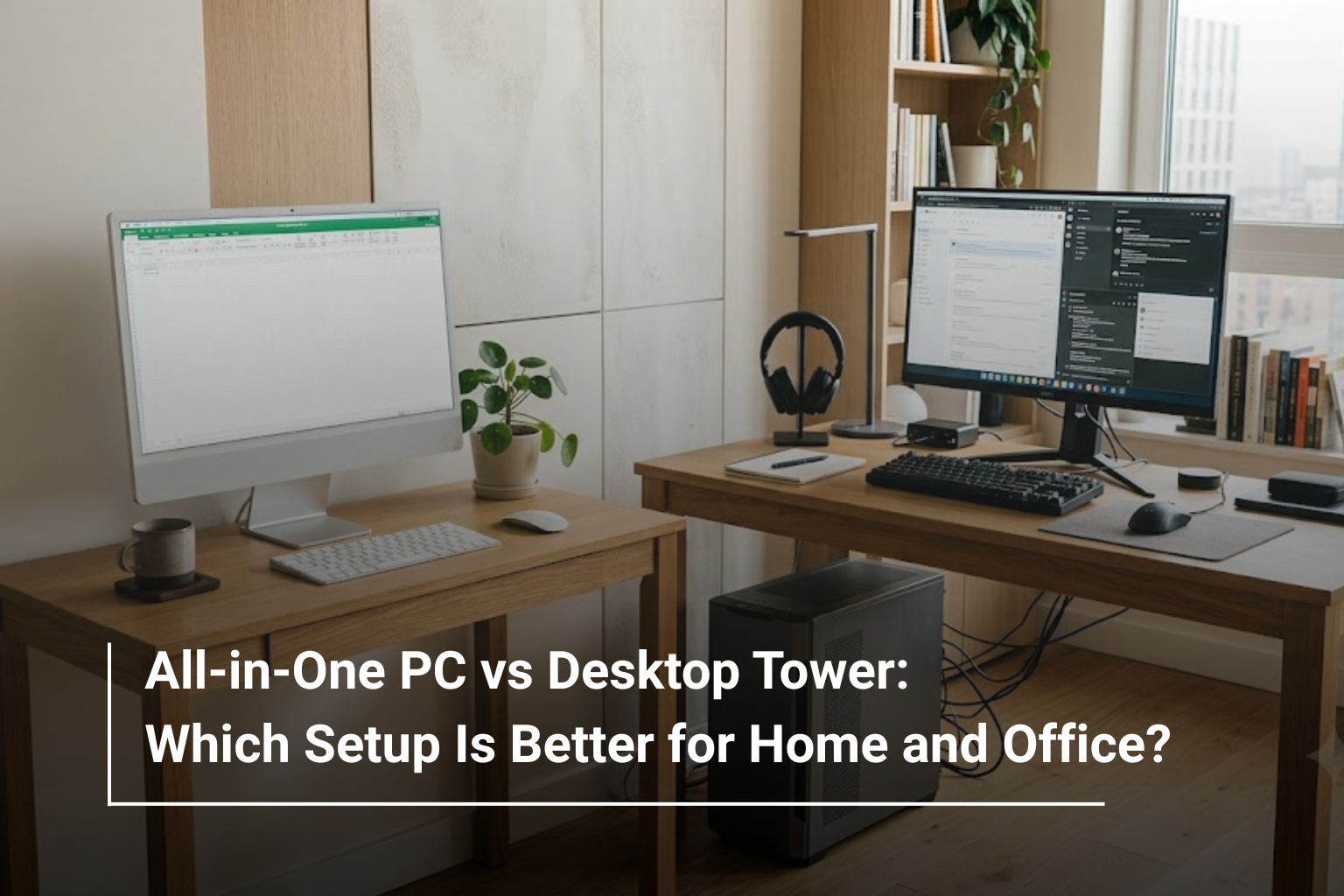
Choosing a desktop computer for your home or office involves more than comparing processors, RAM and storage. The type of computer you choose can also affect your workspace, upgrade options, everyday convenience and long-term value. Two popular options are all-in-one (AIO) PCs and traditional desktop tower computers, but each is designed to meet different needs.
If you are exploring desktop computers in UAE, you may find that both setups offer excellent performance. An all-in-one PC combines the computer components and display into a single unit, while a desktop tower keeps the main hardware in a separate case connected to a monitor. The right choice depends on how much space you have, the applications you use and whether you prioritise a clean workspace or greater hardware flexibility.
Let’s compare both options to understand which setup makes more sense for your home, office or business.
What Is an All-in-One PC?
An all-in-one PC integrates most of the computer hardware directly into the monitor housing. Instead of purchasing a separate tower and display, you get a combined unit that typically requires fewer cables and less desk space. A keyboard and mouse are generally included or connected separately, depending on the model.
This design makes AIO computers particularly appealing for reception desks, home offices, classrooms and business environments where a neat appearance matters. Many modern models also feature Full HD or higher-resolution displays, built-in speakers, webcams and wireless connectivity.
For example, an all-in-one computer can be a practical choice for employees who primarily work with spreadsheets, emails, web applications, video calls and business software. Rather than arranging several separate components, you can set up the computer with relatively little effort.
However, the compact design can limit access to internal components. Depending on the model, upgrading the RAM or storage may be possible, but replacing major hardware or improving graphics performance can be more difficult than with a traditional desktop tower.
What Is a Desktop Tower PC?
A desktop tower is a conventional computer setup in which the main components sit inside a separate case connected to an external monitor, keyboard, mouse and other peripherals.
One of its biggest advantages is flexibility. You can choose a monitor that suits your requirements, select a suitable tower configuration and replace individual components as your needs change. Many desktop towers also provide more room for additional storage drives, graphics cards, cooling systems and other hardware, although the available options depend on the case and motherboard.
This makes a traditional desktop particularly useful for businesses running specialised software, professionals handling demanding workloads and users who want to upgrade their computers over time.
If you are planning to buy a desktop PC in UAE for accounting, programming, graphic design or other performance-intensive tasks, a tower can offer more configuration choices. It can also be easier to troubleshoot because the monitor and computer are separate components.
All-in-One PC vs Desktop Tower: Key Differences
The most important distinction is how each setup balances space, flexibility and performance. Neither type is automatically better; the better option depends on your working environment and future requirements.
Feature | All-in-One PC | Desktop Tower |
Design | Computer and display combined | Separate computer case and monitor |
Desk space | Usually requires less space | Requires room for the tower and monitor |
Cable management | Generally simpler | More cables and separate components |
Performance | Depends on the specific configuration | Wider range of performance configurations |
Upgradability | Often more limited | Usually offers more upgrade options |
Graphics upgrades | Rarely practical | Supported by many compatible towers |
Setup | Generally straightforward | Requires connecting separate components |
Portability | Easier to relocate as one unit, but still bulky | Tower and monitor can be moved separately |
Maintenance | Internal repairs may be more specialised | Components are often easier to access |
Best suited for | Everyday computing and space-conscious offices | Flexible configurations and demanding workloads |
Which Is Better for a Home Office?
For a home office, an all-in-one PC is worth considering if you want a comfortable workstation without dedicating too much space to computer equipment. Its integrated design can help keep your desk organised, particularly in bedrooms, study areas or smaller apartments.
An AIO is generally suitable for everyday tasks such as managing documents, attending online meetings, browsing the internet and handling routine business applications. A built-in webcam and speakers can also reduce the need for additional accessories, depending on the model.
A desktop tower may be the better choice if your home office involves more demanding work. For example, professionals using multiple applications simultaneously, working with large datasets or running resource-intensive creative software may benefit from a more powerful configuration and the ability to upgrade components later.
Consider how you work before deciding. If your computer mainly supports routine office tasks, the convenience of an AIO may outweigh the benefits of a separate tower. If your workload is likely to grow, a desktop tower can provide greater flexibility.
Which Setup Works Better for Business and Corporate Offices?
Businesses often need computers that are reliable, easy to deploy and suitable for employees with different responsibilities. The best option depends on the department and how the equipment will be used.
All-in-one computers can work particularly well in reception areas, customer service counters, administrative departments and shared workstations. Their compact appearance helps maintain an organised environment, while the integrated design can simplify installation across multiple desks.
Desktop towers, on the other hand, are useful for offices that need different hardware configurations for different employees. An accounting team may need a dependable system for financial software, while a design department may require dedicated graphics and additional memory.
For companies purchasing several computers, it is also worth considering maintenance costs, warranty coverage, replacement parts and the expected lifespan of the equipment. A lower initial purchase price does not necessarily mean a lower total cost over several years.
Performance: Is an All-in-One PC as Powerful as a Desktop Tower?
An all-in-one PC can deliver excellent performance, but its capabilities depend on the hardware inside it. The same applies to a desktop tower.
A modern AIO with a capable processor, sufficient RAM and a fast SSD can handle everyday office work, online meetings, multitasking and many productivity applications comfortably. Some models are also suitable for light creative work, depending on their specifications.
Desktop towers offer a broader range of configurations, including systems with powerful processors, dedicated graphics cards and more advanced cooling. This makes them particularly attractive for 3D modelling, video editing, demanding engineering applications and other intensive workloads.
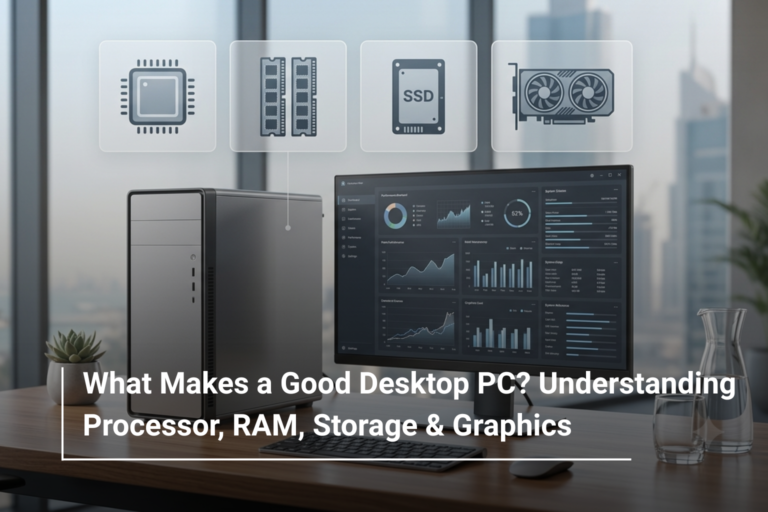
When comparing systems, pay attention to the following specifications:
- Processor: Choose a modern Intel Core or AMD Ryzen processor appropriate for your workload.
- RAM: 8GB may be sufficient for basic use, while 16GB is a sensible starting point for comfortable multitasking and many professional tasks.
- Storage: An SSD improves boot times, application loading and overall responsiveness. Consider 512GB or more if you store large files locally.
- Graphics: Integrated graphics can handle everyday tasks, but demanding creative applications and gaming may benefit from a dedicated GPU.
- Cooling: Systems designed for sustained heavy workloads need adequate thermal management to maintain performance.
Remember that a desktop tower is not automatically faster than an AIO with better specifications. Compare the actual components and performance requirements rather than choosing based on the design alone.
Upgradability and Long-Term Value
One of the biggest advantages of a traditional desktop tower is the ability to upgrade individual components. Depending on compatibility, you may be able to add RAM, install more storage, replace the graphics card or improve cooling without replacing the entire computer.
This can extend the useful life of the system and make it easier to adapt to changing software requirements. Businesses that expect their computing needs to increase may find this flexibility particularly valuable.
All-in-one computers generally place greater emphasis on compactness and convenience. Some models allow RAM and SSD upgrades, but others have limited or inaccessible components. You should check the manufacturer’s specifications before assuming that an upgrade is possible.
There is also an important consideration when something goes wrong. With a tower setup, a faulty monitor can often be replaced without changing the computer itself. With an AIO, a display or internal hardware problem may require specialised repairs because the components are integrated.
If you expect to keep your computer for several years, compare not only the purchase price but also its upgrade potential, warranty terms and likely maintenance requirements.
Display, Desk Space and Everyday Convenience
For people working in compact spaces, an all-in-one PC can make a noticeable difference. Combining the computer and monitor reduces the number of separate components on the desk and can create a cleaner workspace.
This is particularly useful for reception counters, small offices and home workstations where available space is limited. Some AIO models also offer adjustable stands or touchscreen displays, although these features vary by product.
A desktop tower requires more planning because you need space for the case, monitor and peripherals. However, this arrangement gives you more freedom to select the display size, resolution and ergonomic features you prefer. You can also use multiple monitors if the computer supports them.
For professionals who spend long hours working with documents, spreadsheets or design software, a separate monitor may provide more flexibility when building a comfortable workstation.
Before purchasing either setup, check the available desk space, monitor size, port selection and the number of displays you intend to use.
All-in-One PC or Desktop Tower: Which Should You Buy?
Your daily requirements should guide the decision more than the appearance of the computer. The following comparison can help narrow down your options.
Your Requirement | Recommended Setup |
Compact home workstation | All-in-one PC |
Reception or front-desk computer | All-in-one PC |
Everyday office applications | Either |
Online meetings and administrative work | Either |
Frequent hardware upgrades | Desktop tower |
Dedicated graphics for demanding workloads | Desktop tower, in most cases |
Flexible monitor selection | Desktop tower |
Easier separation of monitor and computer repairs | Desktop tower |
Clean, minimal desk arrangement | All-in-one PC |
Custom-built or highly configurable system | Desktop tower |
If your work mainly involves browsing, emails, video calls and standard productivity software, an AIO can be a convenient all-in-one solution. If you need more control over performance, component selection and future upgrades, a tower is generally the more flexible investment.
What to Check Before Buying a Desktop Computer
Regardless of the format you choose, compare the specifications carefully before making a purchase. A well-configured computer can serve you for years, while an underpowered system may struggle as your software requirements increase.
Start by identifying the applications you use most often. Basic office work does not require the same hardware as professional video editing, CAD software or advanced data processing. Once you understand your requirements, compare processor performance, RAM, SSD capacity, graphics capabilities and connectivity.
You should also check the number and types of USB ports, HDMI or DisplayPort availability, wireless connectivity, Bluetooth support and compatibility with your existing peripherals. For business purchases, consider warranty coverage, service availability and the cost of maintaining multiple systems.
Most importantly, avoid paying for specifications you will never use while ensuring that the computer has enough capacity for your expected workload.
Find the Right Desktop Setup with AL Lavisha Computers
Whether you are equipping a home office, setting up a new business workspace or upgrading computers for your team, choosing the right configuration can make everyday work more comfortable and efficient.
At AL Lavisha Computers, you can explore computing solutions from established brands such as HP, Dell, Lenovo, ASUS and Acer. Browse the available desktop computers and PC systems to compare options for everyday productivity, business use and more demanding applications. By matching the specifications to your actual needs, you can invest in a setup that delivers the right balance of performance, convenience and long-term value.