
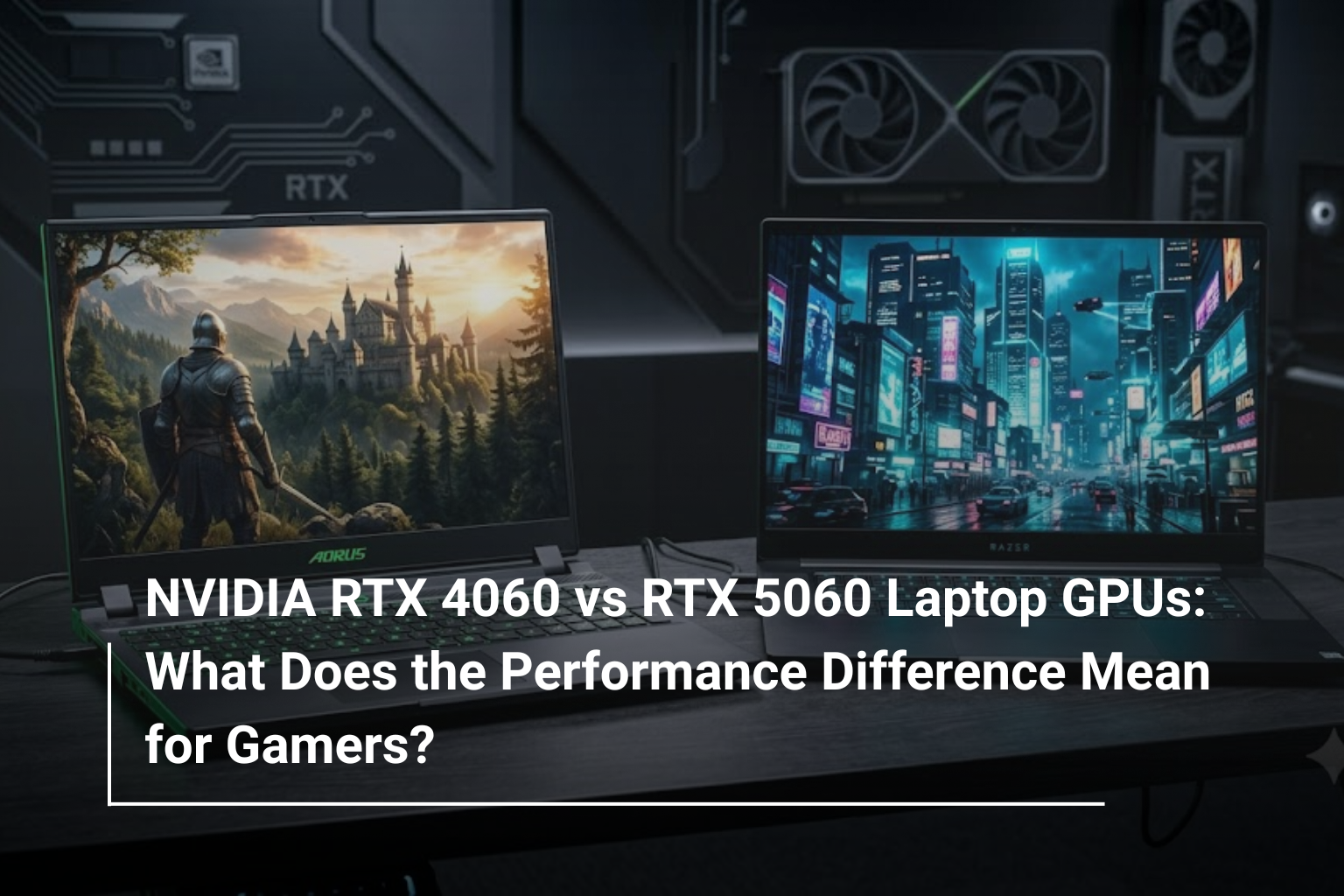
Choosing a gaming laptop involves more than comparing processor names, RAM capacity or screen size. The graphics card plays a major role in determining how smoothly games run, how much detail you can enjoy and whether your laptop can handle newer titles comfortably. With NVIDIA’s RTX 50-series entering the market, gamers now have another decision to consider: is an RTX 5060 laptop worth choosing over an RTX 4060 model?
Both GPUs are designed for gaming at 1080p, and both support modern NVIDIA technologies that improve visual quality and performance. However, the RTX 5060 belongs to a newer generation, bringing architectural improvements and updated features that can make a difference in supported games.
If you’re exploring gaming laptops UAE, understanding these differences can help you decide whether a newer GPU is worth the additional investment or whether an RTX 4060 laptop still offers better value for your budget.
NVIDIA RTX 4060 vs RTX 5060: Understanding the Two GPUs
The NVIDIA GeForce RTX 4060 Laptop GPU belongs to the RTX 40-series, built on the Ada Lovelace architecture. It has become a popular option for gamers looking for a balance between performance, power efficiency and affordability.
The RTX 5060 Laptop GPU is part of NVIDIA’s newer RTX 50-series, based on the Blackwell architecture. It introduces updated hardware capabilities and support for newer NVIDIA technologies, making it an attractive option for people buying a gaming laptop in 2026.
Although both GPUs target mainstream gaming, the newer generation is not automatically the best choice for every buyer. Actual performance depends on the laptop’s power limits, cooling system, processor and memory configuration, as well as the games you play.
RTX 4060 vs RTX 5060 Laptop GPU: Specifications Compared
Here is a quick look at the key hardware differences between the two laptop graphics cards.
Feature | NVIDIA RTX 4060 Laptop GPU | NVIDIA RTX 5060 Laptop GPU |
GPU architecture | Ada Lovelace | Blackwell |
GPU generation | RTX 40-series | RTX 50-series |
CUDA cores | 3,072 | 3,328 |
Dedicated VRAM | 8GB GDDR6 | 8GB GDDR7 |
Memory interface | 128-bit | 128-bit |
DLSS support | DLSS 3, including Frame Generation | DLSS 4, including Multi Frame Generation |
Ray tracing | Supported | Supported, with newer-generation capabilities |
Primary gaming target | 1080p gaming | 1080p gaming with newer-generation features |
Both GPUs come with 8GB of dedicated video memory, so moving to the RTX 5060 does not mean getting more VRAM. The newer GPU instead offers additional processing resources, faster GDDR7 memory and updated graphics technologies.
One important detail is that laptop GPU performance varies by implementation. A well-cooled RTX 4060 running at a higher power limit may perform differently from a low-power RTX 5060. Always compare the specifications of the actual laptops rather than relying on the GPU name alone.
Gaming Performance: How Much Faster Is the RTX 5060?
For most gamers, frame rates are the first thing worth comparing. A higher frame rate can make movement look smoother, improve responsiveness and provide a better experience in competitive games.
The RTX 4060 remains capable of running many modern games at 1080p with a suitable combination of high or medium graphics settings. It can also handle demanding titles with adjustments to ray tracing, resolution scaling and other graphics options.
The RTX 5060 offers a newer hardware platform and can deliver better performance in many gaming workloads. However, the size of the improvement varies by title, laptop power configuration, driver version and graphics settings. There is no single percentage that accurately represents the difference in every game.
For example, in a competitive shooter, both GPUs may already deliver high frame rates, making the difference less noticeable on a standard 60Hz display. In a graphically demanding single-player game, the additional performance and newer rendering features of the RTX 5060 may be more useful.
When comparing benchmark results, look for tests conducted at the same resolution and graphics settings, with similar processor configurations and ray-tracing options. Average FPS is useful, but 1% low FPS also matters because it helps indicate how consistently a game runs during demanding scenes.
DLSS 3 vs DLSS 4: Why NVIDIA’s Newer Technology Matters
One of the most important differences between these GPUs is their support for NVIDIA’s evolving AI-powered graphics technologies.
DLSS, or Deep Learning Super Sampling, uses AI to reconstruct images at a higher output resolution from a lower rendering resolution. This can help improve performance while maintaining good image quality in supported games.
The RTX 4060 supports DLSS 3 features, including Frame Generation. The RTX 5060 supports DLSS 4, including Multi Frame Generation in compatible games.
Multi Frame Generation can generate additional frames between traditionally rendered frames, helping supported games display a higher frame rate. This can make gameplay look smoother, particularly when the GPU is under heavy load.
However, generated frames are not the same as frames rendered directly by the GPU. They do not provide an equivalent increase in input responsiveness, and the results depend on the game, settings and underlying frame rate. Features such as NVIDIA Reflex can help reduce latency in supported titles.
If you mainly play esports games where responsiveness is essential, native performance and input latency should remain priorities. If you enjoy visually demanding single-player games, DLSS features may offer a more noticeable benefit.
Ray Tracing: Is the RTX 5060 Better for Realistic Graphics?
Ray tracing simulates how light interacts with surfaces, creating more realistic reflections, shadows and lighting effects. It can make supported games look more immersive, but these effects can also place a significant load on the GPU.
The RTX 4060 supports hardware-accelerated ray tracing and can deliver good results when settings are configured appropriately. In particularly demanding games, you may need to reduce ray-tracing quality or use DLSS to maintain smooth performance.
The RTX 5060 benefits from the newer Blackwell architecture and updated graphics capabilities. Combined with its newer DLSS support, this can make it a more appealing option for gamers who want to use modern visual features.
Still, neither GPU guarantees maximum ray-tracing settings at high frame rates in every game. If you plan to play demanding AAA titles, compare real-world benchmarks and consider how much image quality you are willing to trade for smoother gameplay.
Is 8GB VRAM Enough for Gaming in 2026?
Both the RTX 4060 and RTX 5060 Laptop GPUs have 8GB of dedicated video memory. This is generally suitable for 1080p gaming, but memory requirements depend on the game, texture quality, resolution and other graphics settings.
Many popular games run comfortably with 8GB VRAM. However, some newer titles can consume substantial video memory when using ultra-quality textures, high-resolution assets or intensive ray-tracing settings.
If you encounter stuttering or inconsistent performance, lowering texture quality or ray-tracing settings may help. Increasing system RAM will not directly increase the GPU’s dedicated VRAM, so it is important to understand the difference between the two.
Before buying a gaming laptop, consider the types of games you play and how long you intend to keep the device. An RTX 5060 provides newer graphics capabilities, but its 8GB memory capacity means that buyers should still be realistic about demanding future games.
RTX 4060 vs RTX 5060: Which GPU Offers Better Value?
The better purchase depends on the price difference between the actual laptops available to you. A newer GPU can be attractive, but paying more only makes sense when its performance and features justify the extra cost.
Your Gaming Needs | Better Option to Consider |
Affordable 1080p gaming | RTX 4060 |
Playing esports titles at high frame rates | Either, depending on the game and display |
Newer DLSS features | RTX 5060 |
Playing modern AAA games with demanding graphics | RTX 5060, subject to benchmarks |
Buying a discounted gaming laptop | RTX 4060, if the savings are substantial |
Keeping your laptop for several years | RTX 5060, if the price difference is reasonable |
The RTX 4060 can be an excellent value when available at a significantly lower price. It already provides dedicated ray tracing, DLSS support and enough performance for a wide range of games.
The RTX 5060 makes more sense when the price premium is reasonable and you want newer-generation features. It is also worth considering if you are buying a new laptop rather than upgrading an existing machine, since the graphics card in most gaming laptops cannot be replaced later.
Don’t Ignore the Laptop’s Processor, Cooling and Display
A graphics card is important, but it does not determine the entire gaming experience. Two laptops with the same GPU can deliver different results because of their overall design and configuration.
Before purchasing, check these factors:
- Processor: A capable CPU helps maintain consistent performance, particularly in competitive games and CPU-intensive titles.
- Cooling system: Effective cooling helps the laptop sustain performance during longer gaming sessions.
- RAM: 16GB is a practical starting point for many gaming setups, while 32GB may be useful for demanding games, multitasking and content creation.
- Display: A 144Hz or faster panel can make high-frame-rate gaming more enjoyable, provided the GPU can deliver the required performance.
- SSD storage: A 1TB SSD gives you more room for modern games, which can occupy substantial storage space.
- GPU power limit: The laptop’s configured graphics power and cooling can affect performance even when the GPU model is identical.
For instance, an RTX 5060 laptop with limited cooling and a weaker overall configuration may not be the best purchase simply because it carries a newer GPU. Comparing the complete laptop is more useful than focusing on one specification.
Which Gaming Laptop Should You Choose?
If you mainly play competitive games, enjoy older titles or want to keep your spending under control, an RTX 4060 laptop can still be a sensible purchase. It provides a strong foundation for 1080p gaming without requiring you to pay for the latest GPU generation.
If you want access to newer DLSS features, prefer the latest graphics architecture and plan to play a growing selection of demanding games, an RTX 5060 laptop deserves serious consideration. Its newer capabilities may offer more flexibility as supported games continue to evolve.
The final decision should come down to the price difference, benchmark results for your favourite games, cooling quality and the laptop’s other specifications. If both options are close in price and the RTX 5060 laptop is well configured, the newer model will generally be the more appealing choice. If the RTX 4060 model is considerably cheaper, the savings may be better spent on additional RAM, storage or gaming accessories.
Explore Gaming Laptops at AL Lavisha Computers
Finding the right gaming laptop is about matching performance to your gaming habits, not simply choosing the newest graphics card. At AL Lavisha Computers, you can explore computing options from brands such as ASUS, Acer, Lenovo, HP, Dell and MSI, and compare configurations to suit different budgets and gaming requirements.
Whether you’re looking for an RTX 4060 laptop that delivers reliable 1080p performance or considering an RTX 5060 machine for newer gaming features, take the time to compare the GPU, processor, display, cooling and overall price. With the right combination of hardware and a configuration suited to your needs, you can choose a gaming laptop that delivers an enjoyable experience today while remaining useful for years to come.