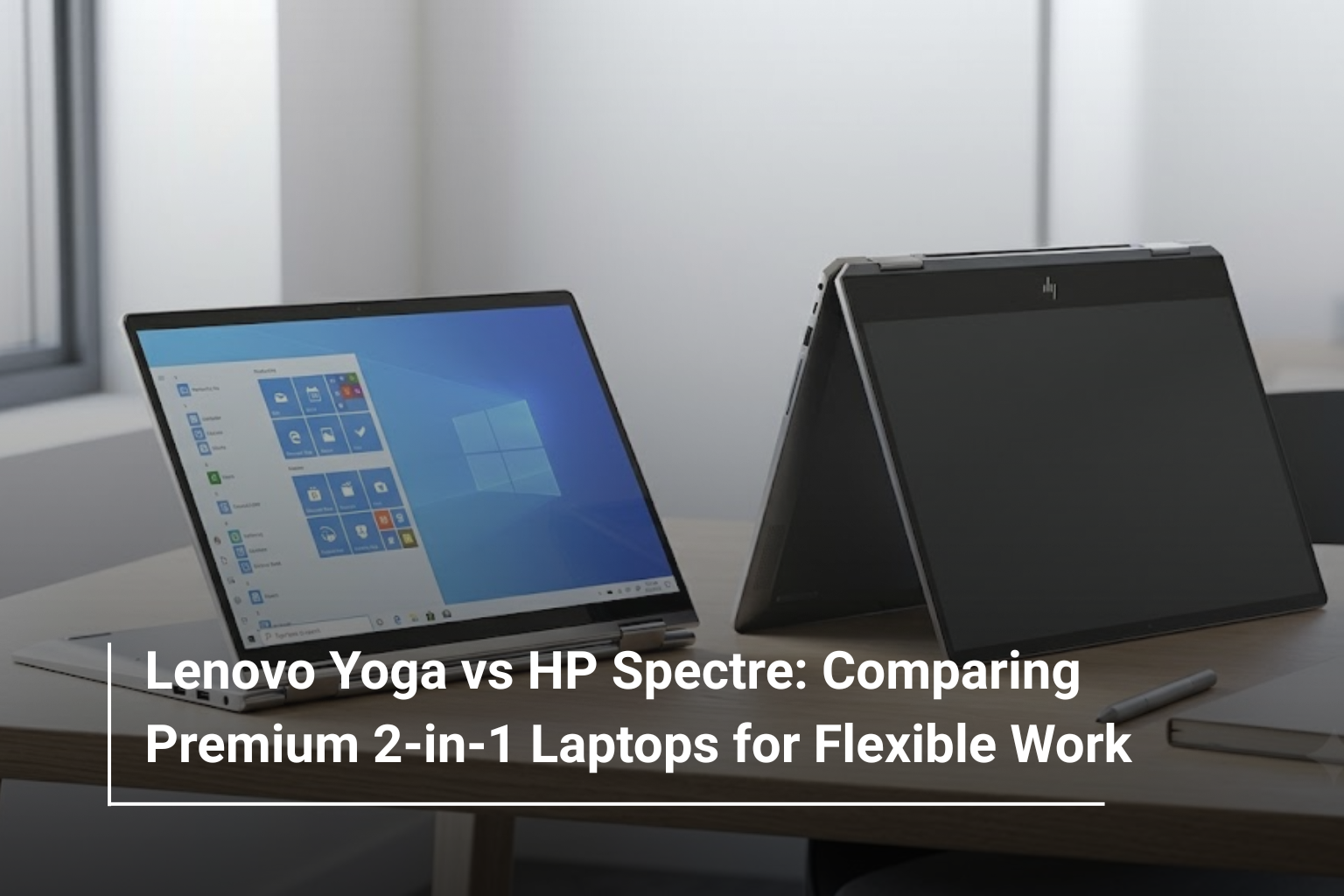
Choosing a premium laptop today involves more than comparing processor speeds, memory or storage capacity. For professionals, students and people who work across different locations, flexibility has become just as important as performance. This is where convertible laptops stand out, offering the convenience of a traditional notebook with the added functionality of a touchscreen and tablet mode.
Among the premium options available, Lenovo Yoga and HP Spectre laptops are popular choices for users who want a combination of portability, refined design and everyday productivity. Both series offer convertible models designed for modern work, but their features, configurations and overall user experience can differ depending on the model.
If you are exploring Lenovo laptops UAE or comparing premium HP laptops UAE, understanding these differences can help you find a device that suits your working style. Let’s compare the Lenovo Yoga and HP Spectre ranges to see what each offers for flexible work, travel and everyday computing.
What Makes Lenovo Yoga and HP Spectre Different?
Lenovo Yoga and HP Spectre are premium laptop families that include models designed around portability and flexible usage. While both offer conventional laptop functionality, selected models feature 360-degree hinges that allow the screen to fold into different positions.
The Lenovo Yoga range covers several types of users, from everyday professionals and students to people looking for premium displays and capable hardware. Depending on the model, Yoga laptops can include OLED touchscreens, stylus support, modern Intel or AMD processors and lightweight designs.
The HP Spectre range has traditionally focused on premium construction, sophisticated styling and features suited to professionals who want a polished everyday computing experience. Selected Spectre x360 models offer convertible functionality, touchscreen displays and support for compatible digital pens.
The important distinction is that neither range has one fixed specification. The exact processor, display, battery capacity, ports and convertible features depend on the particular model and generation.
Lenovo Yoga vs HP Spectre: Key Differences at a Glance
|
Feature |
Lenovo Yoga |
HP Spectre |
|
Design |
Premium designs across multiple laptop categories |
Premium styling with an emphasis on refined finishes |
|
Convertible functionality |
Available on Yoga 2-in-1 models |
Available on Spectre x360 models |
|
Display |
Options include OLED and touchscreen panels on selected models |
Options include high-resolution OLED and touchscreen panels on selected models |
|
Stylus support |
Available on compatible models |
Available on compatible models |
|
Performance |
Depends on processor and configuration |
Depends on processor and configuration |
|
Portability |
Varies by screen size and model |
Varies by screen size and model |
|
Best suited for |
Productivity, study, travel and flexible computing |
Premium everyday work, mobility and flexible productivity |
Rather than choosing by brand name alone, compare the specifications of the two models you are considering. A particular Yoga configuration may offer a feature that matters more to you, while a Spectre model may better match your preferred design, display or connectivity requirements.
Design and Build Quality: Which Feels Better for Everyday Work?
When buying a premium convertible, design is not just about appearance. The quality of the hinge, keyboard comfort, overall weight and ease of carrying the device can make a noticeable difference during everyday use.
Lenovo Yoga laptops are available in a range of designs, including slim convertibles intended for people who regularly move between their desks, meeting rooms and home offices. Their flexible hinge design allows users to switch between typing and touch-based interaction without carrying a separate tablet.
HP Spectre laptops also focus on portability and premium construction. Their distinctive finishes and carefully designed chassis appeal to professionals who want a laptop that feels at home in both an office environment and a client meeting.
For frequent travellers, a lightweight 13- or 14-inch convertible may be more convenient than a larger model. However, a smaller chassis can mean fewer ports or a more compact keyboard, depending on the design.
Before making a decision, check the actual weight, dimensions, hinge construction and keyboard layout of each laptop. A device that looks premium in photographs should also feel comfortable to use for several hours at a time.
Display Quality and Touchscreen Experience
The display is one of the main reasons to consider a premium 2-in-1 laptop. Unlike a conventional notebook, a convertible allows you to interact with content directly on the screen and reposition the display for different activities.
Selected Lenovo Yoga models offer OLED displays with rich colours, deep blacks and strong contrast. These screens can be useful for presentations, photo editing, streaming and everyday multitasking. Touchscreen support on compatible models also makes navigation more convenient when using the device in tablet mode.
HP Spectre convertibles are available with premium display options too, including OLED panels on selected configurations. For professionals who spend long hours reviewing documents, working with visual content or presenting information, display clarity and brightness can significantly influence the experience.
When comparing the two ranges, pay attention to the following specifications:
- Resolution: Higher resolutions can provide sharper text and more detailed images.
- Panel technology: OLED can deliver excellent contrast, while IPS displays can still offer a good viewing experience.
- Brightness: Important when working near windows or in brightly lit environments.
- Colour accuracy: Particularly relevant to designers, photographers and content creators.
- Touch and pen support: Check whether the screen supports the touch gestures and stylus features you need.
A premium display is valuable, but it should match your workload. Someone working mainly with spreadsheets and emails may prioritise brightness and comfortable text rendering, while a creative professional may place greater importance on colour accuracy.
Performance: Lenovo Yoga vs HP Spectre for Multitasking
Both laptop ranges offer configurations intended for everyday productivity and more demanding professional workloads. However, performance depends on the processor generation, RAM, cooling design and other hardware rather than the product family alone.
For typical office work, a modern processor paired with 16GB of RAM and a fast SSD is a practical starting point. This combination can support browser tabs, video calls, spreadsheets, presentations and multiple applications running together.
If your work involves software development, large datasets, advanced photo editing or other memory-intensive tasks, consider 32GB of RAM where available. Creative workloads may also benefit from a more capable processor and a display with suitable colour coverage.
|
Workload |
What to look for |
|
Office applications and video meetings |
Modern processor, 16GB RAM and SSD storage |
|
Remote work and multitasking |
Efficient processor, 16GB or more RAM and good webcam quality |
|
Photo editing and design |
Strong CPU performance, colour-accurate display and sufficient memory |
|
Software development |
Modern multi-core processor, 16GB–32GB RAM and adequate SSD capacity |
|
Frequent travel |
Efficient processor, manageable weight and dependable battery life |
Keep in mind that many premium convertibles prioritise portability and power efficiency. If your work requires sustained high-performance computing or demanding 3D graphics, compare the cooling capabilities and graphics hardware carefully before purchasing.
Keyboard, Stylus and Convertible Modes
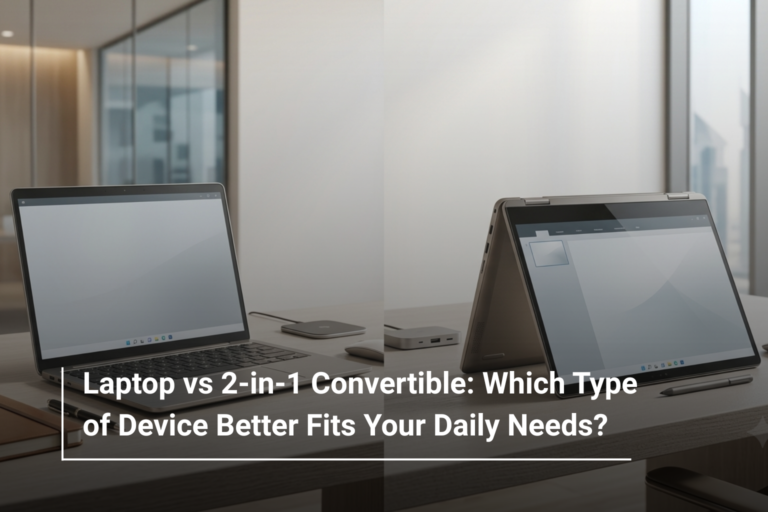
The biggest practical advantage of a 2-in-1 laptop is the ability to change how you use it throughout the day. Both Lenovo Yoga convertibles and HP Spectre x360 models are designed to support this kind of flexibility, although the available features vary by configuration.
In laptop mode, you can type emails, prepare reports and work with business applications as you would on a conventional notebook. Tent mode can be useful for presentations or watching training videos, while stand mode is convenient when you want to view content without keeping the keyboard in front of you.
Tablet mode is particularly useful for reading, browsing, annotating documents and taking handwritten notes on compatible touchscreens. If your work involves frequent note-taking or sketching, check whether the exact model supports a compatible active pen and whether the pen is included or sold separately.
Keyboard comfort remains important, even on a convertible. If you spend most of your day writing reports, coding or entering data, test the keyboard layout and key travel whenever possible. The flexibility of a touchscreen cannot compensate for a keyboard that feels uncomfortable during long working sessions.
Battery Life and Portability for Professionals on the Move
A premium laptop should make it easier to work away from a desk, whether you are commuting, travelling between meetings or studying on campus. Lenovo Yoga and HP Spectre convertibles can both suit mobile workflows, but their real-world battery life varies with the model and how you use it.
Screen brightness, video conferencing, background applications and demanding workloads can all reduce battery life. OLED displays and high-performance processors may also consume different amounts of power depending on the content being displayed and the device’s configuration.
When comparing Lenovo Yoga and HP Spectre laptops, consider more than the manufacturer’s estimated battery runtime. Look for independent battery tests where available, check charging options and determine whether the included charger is convenient to carry.
A few practical points can help narrow your choice:
- Choose a compact screen size if you travel frequently and value portability.
- Check the laptop’s weight, including the charger and any accessories you regularly carry.
- Review the available ports if you often connect external monitors, storage drives or presentation equipment.
- Consider webcam quality, microphones and wireless connectivity if you regularly attend online meetings.
For hybrid professionals, the right combination of battery life, portability and communication features can be more useful than a small difference in processor performance.
Lenovo Yoga or HP Spectre: Which Is Better for Your Needs?
The right option depends on how you plan to use the laptop. Both ranges offer premium convertible options, so it makes sense to compare specific models against your daily requirements rather than treating either brand as a universal winner.
Choose a Lenovo Yoga convertible if you find a configuration that matches your preferred display, performance requirements and portability needs. Yoga models are worth exploring if you want a flexible laptop for office work, study, travel or compatible stylus-based tasks.
Consider an HP Spectre convertible if you prefer its design, keyboard experience, display options or available connectivity. Spectre models are worth comparing if you want a premium notebook that can transition between conventional productivity and touchscreen use.
Here is a quick guide based on common requirements:
|
Your Priority |
What to Compare |
|
Business productivity |
Keyboard comfort, processor, RAM and webcam |
|
Presentations and meetings |
Convertible modes, brightness and connectivity |
|
Digital notes and annotations |
Touchscreen quality and active pen compatibility |
|
Travel and commuting |
Weight, battery performance and charging |
|
Creative work |
Display colour accuracy, memory and processor performance |
|
Long-term everyday use |
Warranty, repair options, storage and memory configuration |
It is also worth comparing the total price of each configuration. A model with more RAM, a larger SSD or a better display may offer more practical value than a similarly priced laptop with features you are unlikely to use.
What Should You Check Before Buying a Premium 2-in-1 Laptop?
Before choosing between Lenovo Yoga and HP Spectre, make sure the device will remain suitable as your workload changes. Premium design is appealing, but specifications and long-term usability deserve equal attention.
Check the RAM capacity and whether it can be upgraded, as many slim convertibles use memory that is soldered to the motherboard. Review SSD capacity, the number and type of ports, wireless connectivity, webcam specifications and the operating system included with the laptop.
Warranty coverage is another important consideration. Check the terms applicable to your purchase, including the duration of coverage and the available service options. If you intend to use the laptop for several years, these details can be just as relevant as the initial hardware configuration.
Most importantly, decide whether you will genuinely use convertible functionality. If you frequently annotate documents, take handwritten notes or present content, a 2-in-1 can be a worthwhile investment. If you mainly type at a desk, a traditional premium laptop may meet your needs without requiring you to pay for features you rarely use.
Final Verdict: Lenovo Yoga vs HP Spectre
Lenovo Yoga and HP Spectre convertibles both offer ways to combine conventional laptop productivity with touchscreen convenience. Yoga provides a broad selection of designs and configurations, while Spectre focuses on premium laptops with distinctive styling and flexible functionality on compatible models.
The better choice comes down to the specific laptop, not simply the logo on its lid. Compare the display, processor, RAM, battery performance, keyboard, weight and warranty before deciding. Doing so will help you choose a device that fits your working habits rather than paying extra for specifications that do not make a meaningful difference to your day.
Explore Premium Laptops at AL Lavisha Computers
Finding the right laptop is easier when you can compare different brands and configurations in one place. At AL Lavisha Computers, you can explore computing options from leading manufacturers, including Lenovo and HP, alongside laptops from ASUS, Dell, Acer and MSI. Whether you need a flexible convertible for hybrid work or a dependable notebook for everyday productivity, reviewing the available specifications and warranty options can help you make an informed choice. Visit AL Lavisha Computers to explore the available range and find a laptop that works with your routine, your workload and your budget.